
- Android's open-source ecosystem powers flexible, scalable IoT solutions across industries.
- Advanced protocols, robust security features, and intuitive UI frameworks make Android the go-to OS for smart device integration.
- Careful planning, middleware, and real-world testing are essential for building stable and secure IoT mobile apps.
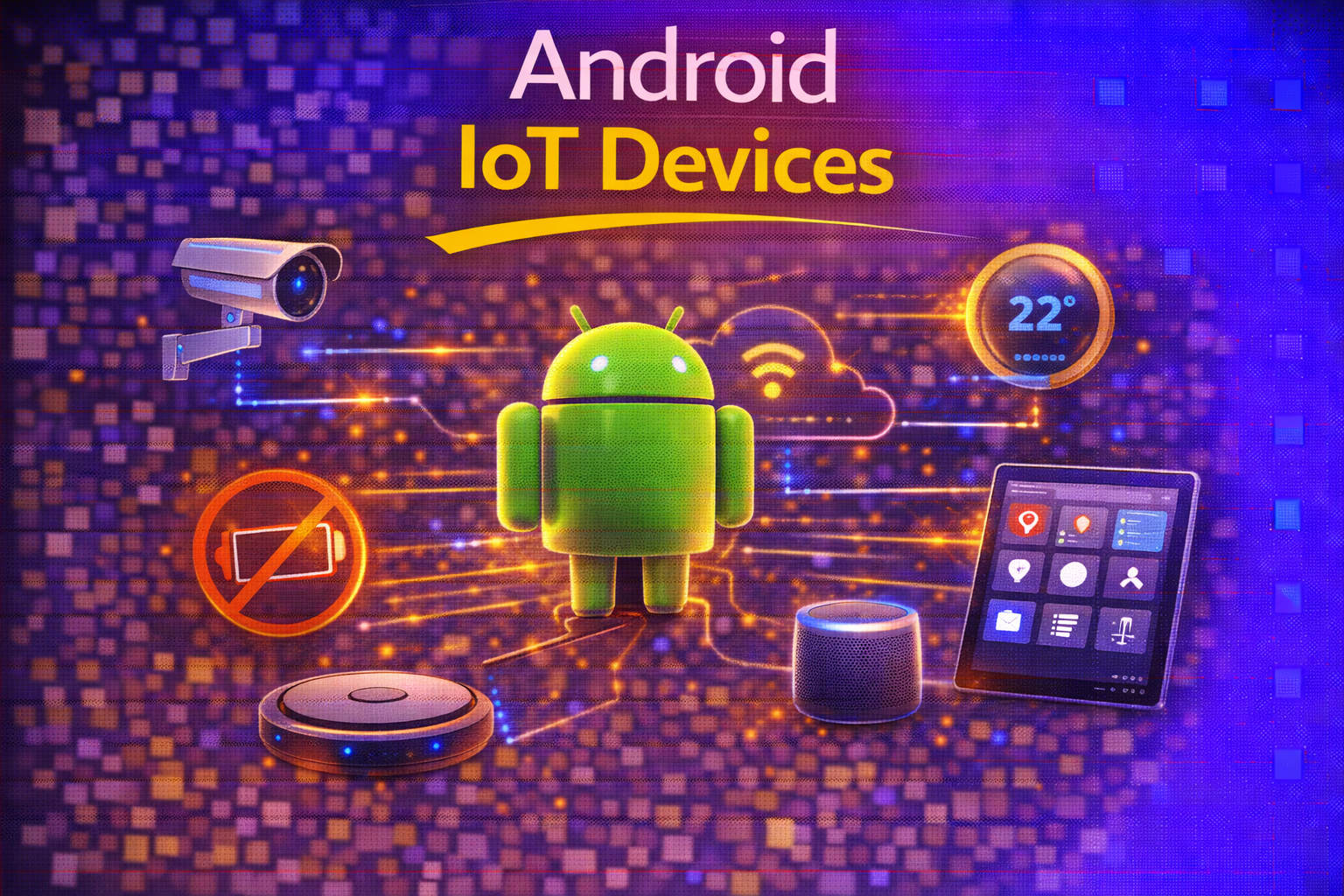
In recent years, the fusion of Android technology and the Internet of Things (IoT) has transformed not only the way we interact with everyday objects but also how businesses and individuals shape their digital experiences. Whether you’re commanding your smart home from across the globe or integrating industrial sensors for real-time monitoring, the powerful synergy between Android OS and IoT devices is at the heart of this evolution. From wearables and smart appliances to advanced automotive systems, Android serves as the bridge that connects billions of devices, supporting intuitive apps, robust communications, and secure infrastructures.
With the explosion of connected devices—set to surpass 75 billion by 2030—embracing Android-based IoT solutions is no longer just for early adopters, but crucial for anyone seeking reliable, scalable, and user-friendly connected ecosystems. En esta guía completa, desentrañaremos los conceptos técnicos y explicaremos exactamente cómo Android impulsa el hardware IoT, qué significa esto para desarrolladores y usuarios, y cómo puedes aprovechar estas herramientas para crear soluciones sólidas y preparadas para el futuro que funcionen en el mundo real.
The Evolution of IoT: Context and Growth
The Internet of Things originated as an academic concept in 1999, with one of the first tangible gadgets dating all the way back to the early 1980s at Carnegie Mellon University. Since then, the IoT landscape has rapidly expanded—from networked Coke machines to smart thermostats, security cameras, and industrial sensors. By 2030, experts predict that the number of connected devices will rise beyond 75 billion, touching every sector from healthcare and utilities to retail, manufacturing, and personal wellness.
Modern IoT devices range from basic sensors and actuators to complex autonomous systems such as driverless vehicles and jet engines. These devices collect, transmit, and sometimes process data to help ensure smooth operations, reduce manual intervention, and unlock valuable insights from physical environments. Importantly, some IoT devices communicate exclusively within local networks, harnessing protocols like Bluetooth or Zigbee, and don’t always require constant internet connectivity.
Why Android is a Game Changer for IoT Devices
Android OS offers unique strengths that make it an ideal platform for IoT innovations. Its flexibility, open-source nature, massive user base, and extensive library ecosystem enable rapid development and easy customization for virtually any application environment. Here’s why Android continues to shape the IoT revolution:
- Open Ecosystem: Android’s open design gives developers a vast selection of tools and libraries, which significantly accelerates application development and system integration.
- Powerful UI Capabilities: The platform excels in creating user-friendly, adaptive interfaces, tailoring the experience across smartphones, tablets, and custom IoT displays.
- Comprehensive Protocol Support: Seamless integration with standard network protocols—like MQTT, HTTP, WiFi, Bluetooth—ensures flexible, robust, and real-time communications.
- Extensive Community Support: With an active global network of contributors, finding solutions and sharing best practices is easier than ever.
How Android Interacts with IoT Hardware
One of Android’s key strengths lies in its deep hardware integration capabilities. Developers can access various device features from high-level APIs for cameras, sensors, and communications to low-level native development using JNI (Java Native Interface) or the Android NDK (Native Development Kit). This opens a spectrum of possibilities:
- Android HAL (Hardware Abstraction Layer): Facilitates communication between Android and hardware drivers, allowing seamless operation of essential features like sensors, Bluetooth modules, or displays.
- NDK & JNI: Power users or businesses with advanced needs can build high-performance routines in C/C++ and directly interface with Android apps to tap into hardware capabilities or optimize for speed and power.
This support is crucial in diverse IoT scenarios. For instance, an IoT device measuring temperature via a custom sensor can employ JNI to connect Android’s application layer to the sensor’s native firmware, ensuring high-speed data transfer, reliability, and compatibility even with unconventional hardware components.
Designing User-Friendly Interfaces for IoT Apps
Usability is everything when dealing with IoT devices. Many modern smart gadgets rely on Android apps for control and monitoring, so intuitive and adaptable interfaces can make or break the experience. Android’s UI framework, especially with innovations like Jetpack Compose, enables developers to build beautiful, reactive, and highly customizable control centers:
- Declarative UI Development: Jetpack Compose lets developers state what the UI should look like, and the library automatically updates it as data changes. No more wrestling with complex XML layouts.
- Rich Component Library: Reusable composable functions keep codebases clean, encourage good architecture, and make it easier to test or scale.
- Real-time Previews: Developers can instantly see changes in Android Studio, reducing development time and minimizing bugs introduced by repetitive UI adjustments.
- Adaptability for All Screen Sizes: Compose and the rest of the UI toolkit are built to support everything from tiny wearables and embedded displays to large tablets and TVs, making them perfect for the fragmented world of IoT hardware.
Practical Example: Imagine a smart home control interface, with live updates for lighting, security, and heating—all reacting in real-time to both user input and changes received from remote devices. Using Compose, even novice developers can craft visually rich, responsive dashboards suitable for any device.
Communication Protocols: Getting Devices Talking
The real magic in any IoT setup lies in reliable, flexible communications between devices and apps. Android makes this process accessible, whether you’re building for WiFi-enabled appliances, wearables on Bluetooth, or proprietary industrial sensors. Here are the main protocols and what they’re best for:
- WiFi: Optimal for data-intensive applications—think security cameras streaming video, or multi-sensor hubs needing high throughput.
- Bluetooth LE: Designed for short-range connections and low power consumption, perfect for fitness trackers, medical wearables, and small gadgets.
- Zigbee & Z-Wave: Common in smart home devices, these protocols enable low-power mesh communication, usually requiring a special hub for interaction with Android apps.
- Cellular: Useful for out-of-home, wide-range applications, though higher cost may make it suitable mainly for critical systems (vehicle telematics, remote asset tracking).
Android’s network stack supports all major wireless protocols natively, and third-party libraries can add support for proprietary or emerging standards. For developers, protocols like MQTT (for lightweight machine-to-machine messaging), HTTP/REST APIs (for broader interoperability), and WebSockets (for real-time, bidirectional data transfer) are all accessible and widely used in production.
Communication Example: In a remote monitoring scenario, a temperature sensor packages data and attempts a Bluetooth handshake with an Android tablet. The app reads the incoming messages, processes the data, and can forward it to a cloud service or display it instantly on the screen for user action—all with robust error handling if the connection drops.
Building Secure IoT Experiences with Android
Security is non-negotiable in IoT. Every additional connected device increases the potential surface for attacks. Android’s continued focus on robust security upgrades and its mature developer ecosystem makes it a safe choice for mission-critical and consumer-grade deployments alike.
- Regular Security Updates: Google actively maintains Android with patches and hotfixes for discovered vulnerabilities, minimizing exposure time.
- Authentication Options: From PINs and passwords to biometrics (fingerprint, facial recognition) and advanced OAuth 2.0 workflows, Android can secure access at every level.
- Data Encryption: Implementation of file-based encryption and secure TLS/SSL encrypted channels is standard, ensuring that both stored and transmitted information is protected against interception and unauthorized access.
- App Sandbox & SELinux: Every application runs within its own isolated environment, and SELinux enforces strict policies to prevent unauthorized system access even if an app is compromised.
- Hardware Integrity and Remote Actions: Built-in tools like SafetyNet, remote lock, and remote wipe functions provide crucial safeguards—especially for devices that may be lost, stolen, or operating outside of controlled environments.
Securing an IoT Server Connection: Let’s say your device needs to send readings to a cloud dashboard. With Android, it’s straightforward to enforce secure communications via custom or trusted certificate authorities (CA) using TrustManager. This not only provides encryption but guarantees integrity, preventing common attacks such as man-in-the-middle exploits.
From Concept to Reality: Use Cases Powered by Android IoT
Thanks to Android’s versatility, IoT solutions built on this platform span multiple domains:
- Smart Homes: Control heating, security cameras, and lighting through central Android-powered hubs or mobile apps. Companies like IOMICO specialize in integrating Android with home automation systems, offering seamless user experiences.
- Wearable Devices: Smartwatches and health trackers equipped with Android OS provide real-time analytics, notifications, and user controls, all managed via intuitive, lightweight Android applications.
- Industrial Automation: Sensor networks for climate control, machine monitoring, and production optimization often use robust Android interfaces, streamlining manufacturing and logistics operations with interactive dashboards and predictive analytics.
- Automotive Applications: Android Automotive powers advanced infotainment and diagnostics in today’s vehicles, allowing mobile integration and centralized vehicle control using familiar Android environments.
Innovation persists across the spectrum, from consumer-facing gadgets to mission-critical industrial applications. Android’s flexibility ensures it remains at the forefront as new technologies and standards emerge, providing a foundation that supports both off-the-shelf and heavily customized solutions.
Smart Integration: Planning Your Android IoT Strategy
Making IoT integration work isn’t about adding every gadget you see—it’s about careful planning and aligning technology with real user needs. Before firing up your favorite IDE, consider these essential planning steps:
- Define Device Requirements: Don’t simply integrate everything—choose devices offering clear value to your users or business goals.
- Assess Protocols and Compatibility: Map out what methods each device uses to communicate (WiFi, Bluetooth, Zigbee, etc.) and decide how your app will interact with them.
- Design Data Flows: Specify how information should move—from the device to your app, to the cloud, and back—and at what intervals. Decide if real-time responses are needed or if batching is acceptable for certain data.
- Plan for Offline Scenarios: Devices and networks will inevitably experience interruptions. Think ahead to ensure your users aren’t left helpless when their smart washing machine drops off WiFi during a cycle.
Mapping User Journeys: Start by creating scenarios for every type of user interaction: what happens when a device is online, when it goes offline, and how users receive feedback. Transparency—such as showing which devices are reachable at all times—boosts both trust and usability.
The Technical Backbone: Middleware, Cloud, and Databases
Android IoT projects need a technical foundation that ensures smooth, scalable, and secure operation. Most successful applications utilize:
- Middleware: This acts as a translator between your connected devices and app, handling data normalization, managing protocols, and ensuring interoperability. Exploring secure platforms like GrapheneOS can enhance privacy and security in your IoT environment.
- Communication Protocols: Decide where data gets processed—on the device, in the app, or on a remote server. Incorporate robust error handling and fallback routines, so the app remains stable under various network conditions.
- Time-Series Databases: IoT sensors generate constant streams of data; using a purpose-built database ensures you can store, retrieve, and analyze information efficiently without system slowdowns or data losses.
Offline and Sync Functionality: Build-in logic for the app to function during network outages, caching data locally, and resyncing with the cloud once connectivity is restored. Users expect reliability regardless of temporary hiccups.
Design Best Practices for Android IoT Apps
Creating smooth, enjoyable experiences is just as important as technical robustness. These best practices will help set your app apart:
- Prioritize Clarity: Use clear status indicators for all connected devices. Avoid ambiguous icons—display connection status, battery levels, and quick explanations for any errors.
- Graceful Feedback: Communicate delays with realistic loading screens or notifications, so users always know their commands are being processed—even when devices are slow to respond.
- Localization and Accessibility: Adapting to global markets or special needs users broadens the app’s appeal and usability.
Example UI Improvement: If your app controls lighting throughout a home, make sure the interface dynamically updates to reflect which rooms are active, which bulbs are online, and provide detailed error messages when a bulb can’t be reached. Use vibrant colors, simple animations, and plain language to guide users rather than confuse them.
Testing and Securing Android IoT Mobile Apps
Testing goes far beyond the basics when IoT is involved. Since devices and networks can be unpredictable, simulate wild edge cases such as intermittent connections, battery drain, or sudden device failure. A robust app must handle:
- Support for multiple devices: Supporting multiple devices connecting and disconnecting at the same time.
- Unreliable network conditions: Ensuring the app’s reliability—even when communication is severely delayed or interrupted.
- Cross-platform stability: Stable operation during OS updates or across different Android versions.
- Synchronization after outages: Automatic reconnection and syncing once devices come back online, without user intervention.
Device simulation: Build test harnesses or simulators that mimic real-world device problems, so your software is ready for unexpected scenarios, not just ideal lab conditions.
Security at every level: Secure communication with encrypted channels (never transmit plain text!), solid authentication during device pairing, and regular validation of sessions. Remember: your users will point fingers at your app—not the device—when something fails, so bulletproof security and stability are key.
Industry Perspectives: Business Value and Real-World Insights
Businesses of every size, from SMBs to global corporations, rely on IoT integration for efficiency, agility, and new service delivery models. The major advantages include:
- Data-Driven Operations: IoT enables smarter decision-making by providing real-time insights into system health, usage trends, or customer behavior, which drives both service improvement and operational cost savings.
- Remote Control and Monitoring: Ceaseless connectivity means businesses and consumers alike can monitor, manage, and control their physical assets from anywhere in the world—redefining convenience and responsiveness.
- Personalized Experiences: By leveraging Android’s powerful notification and user interface systems, companies can offer tailor-made experiences—whether it’s automatically adjusting room temperature or suggesting the next best movie in a smart entertainment hub.
- Future-Proofing Investments: Platforms like Android and MediaTek Genio ensure that infrastructure isn’t obsolete tomorrow, with ongoing updates and support for emerging standards.
Enterprise Adoption Example: In manufacturing, IoT-enabled Android tablets or embedded displays aggregate sensor streams, visualize production metrics, and trigger automated responses to anomalies—significantly improving both output quality and safety.
Emerging Trends: Where Android and IoT Go Next
The world of Android-powered IoT is in constant motion. Momentum continues around:
- AI-Driven Edge Processing: Platforms like MediaTek’s Genio are bringing powerful local AI capabilities to IoT devices, enabling on-device machine learning for things like real-time object detection or predictive maintenance.
- Security Enhancements: Ongoing improvements at the OS level, from SELinux policies to system integrity APIs, make Android one of the most secure environments for smart devices.
- Interoperable Standards: New frameworks and organizations are pushing for greater compatibility between devices and platforms, reducing vendor lock-in and providing end-users with more flexibility and choice.
Practical Project Example: Developers often build IoT prototypes by leveraging a basic Android phone and a custom app, as discussed in forums like Reddit. This approach can be more stable than using single-board computers like Raspberry Pi, and offers built-in connectivity, secure storage, and easy integration with cloud APIs. For those interested, Google’s Car App Library and provide official documentation to begin these projects.
The landscape of Android IoT devices is thriving, underpinned by robust technology, a passionate community, and powerful partnerships between hardware and software. Whether you’re a developer building the next must-have smart gadget, a business leader seeking new efficiencies, or simply a user curious about connecting your world, Android offers the dynamic tools and support to realize any IoT dream. Con un adecuado planeamiento, una seguridad de primera y un enfoque en la usabilidad, Android sigue siendo una piedra angular en la creación de ecosistemas conectados innovadores, confiables y seguros.
Understanding GrapheneOS: The Ultimate Guide to Privacy-Centric Android