
- Ubuntu Touch offers a privacy-focused, open-source alternative to Android/iOS
- UBports leads development with robust community support and frequent updates
- Supported devices include Volla, Fairphone, PinePhone, Nexus 5, and more
- The system excels in security, convergence, and freedom, but has app/hardware limitations
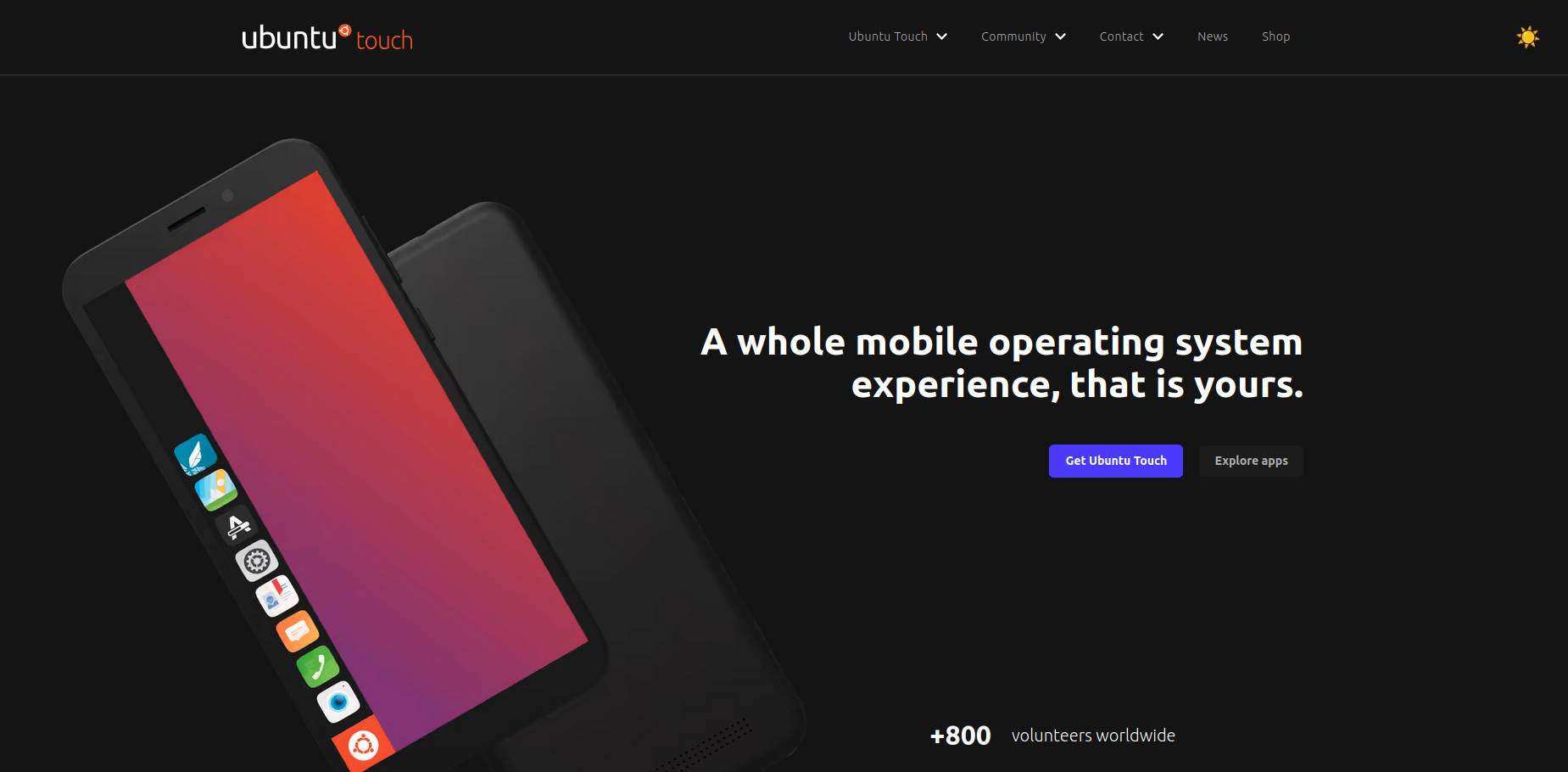
If you’re even a little interested in alternative mobile operating systems, you may have come across Ubuntu Touch. Unlike mainstream systems like Android or iOS, Ubuntu Touch has a unique story and purpose—it seeks to bring the power, privacy, and flexibility of Ubuntu Linux into your pocket. Whether you’re a tech enthusiast, a privacy advocate, or someone dissatisfied with the usual options for smartphones and tablets, Ubuntu Touch offers a fresh perspective. Still, diving into a lesser-known ecosystem can feel daunting: what is Ubuntu Touch, who develops it, how does it work, and should you try it yourself? Let’s unravel everything there is to know about Ubuntu Touch, collected and expanded from multiple top-ranking sources, so that by the end, you’ll have a truly comprehensive view of what the platform is, how it works, and what to expect if you decide to take the plunge.
Throughout this extensive guide, you’ll find in-depth explanations about the history, development, features, hardware support, installation, privacy concerns, app ecosystem, user experiences, device recommendations, and technical limitations of Ubuntu Touch. If authenticity, open-source values, and the dream of a convergent operating system appeal to you, this is the place to get all your questions answered—using only trustworthy material from well-positioned sources, but reworded with clarity, detail, and friendlier language for everyone. Buckle up, we’re going deep!
What Exactly Is Ubuntu Touch?
Ubuntu Touch is a mobile operating system that brings the spirit and power of Ubuntu Linux to smartphones and tablets. Born from open source ambitions and translated into a real product by the community-driven UBports Foundation, it transforms touch-enabled devices into secure, flexible, and convergent tools. Originally started by Canonical, the company behind Ubuntu Desktop, Ubuntu Touch was later handed over to UBports after Canonical shifted its focus. The perfect blend of Linux under the hood and a touch-first interface makes Ubuntu Touch unlike any mainstream smartphone OS.
The operating system is not just a skin for Android or iOS. It’s an independent OS built from the ground up, blessed by the flexibility and security of Linux. Ubuntu Touch isn’t another Android flavor: it uses its own set of libraries, frameworks, and user interface, although it does depend on some Android drivers for hardware compatibility.
Who Develops Ubuntu Touch?
Development began with Canonical Ltd. around 2011–2013, but financial realities and tepid market response led Canonical to discontinue their support in April 2017. At that point, the passionate UBports community stepped up, taking over full control of the project. UBports Foundation now maintains, updates, and guides Ubuntu Touch forward, relying on an engaged group of users, developers, and partners. While the founding vision comes from Canonical, the community spirit has since taken the reins.
The Core Philosophy: Beyond Mainstream Mobile OSes
At its heart, Ubuntu Touch isn’t just about running Linux on a phone. It represents a profound alternative philosophy to mobile tech. Its major principles include:
- Freedom and Respect for User Privacy: Open-source to the core, so users and developers alike can audit and improve the system.
- No Data Harvesting: There’s no tracking of your movements or app usage, unlike typical smartphone platforms.
- Universal Convergence: The dream is for your device—be it a phone, tablet, or even a desktop—to seamlessly transition between different form factors. Plug your phone into a screen and it transforms into a desktop (the principle of convergence).
- Adaptability and Community Ownership: Anyone can pitch in to develop, port, or support Ubuntu Touch on new hardware.
Evolution and Timeline of Ubuntu Touch
Let’s step through how Ubuntu Touch came into being and evolved over time:
- 2011–2013: Canonical first revealed ambitions to unify its OS across desktop, mobile, and even TV. In January 2013, the project made its official debut with a developer preview landing just a month later. The famous—and ultimately unsuccessful—Ubuntu Edge crowdfunding attempt also happened during this period, seeking to create a flagship Ubuntu phone.
- 2013–2016: The first public releases appeared. Early hardware partners like BQ and Meizu produced phones and, eventually, a tablet. Canonical continued to experiment with the idea of convergence, but struggled to capture mainstream market attention.
- 2017: Facing internal and external challenges, Canonical’s Mark Shuttleworth announced Canonical would step away from the project. The UBports community quickly adopted Ubuntu Touch, and development never stopped.
- 2018–present: The community upgraded Ubuntu Touch from its outdated base (Ubuntu 15.04) to a more modern Ubuntu 16.04 LTS, pushed device support forward, and built strategic partnerships. Support for new hardware—such as PinePhone, Fairphone, and Volla—emerged, offering pre-installed Ubuntu Touch devices for users who don’t want to flash their own.
Through it all, the mission remained clear: create a user-respecting, open-source mobile OS that adapts to different devices and resists the limitations of closed ecosystems.
How Does Ubuntu Touch Work Under the Hood?
Beneath its unique interface, Ubuntu Touch is a robust Linux distribution tailored for touchscreens. The main technologies powering it include:
- Lomiri: The graphical environment built for intuitive touch gestures, later migrated from its former name ‘Unity8’.
- Linux Kernel: Provides core hardware support and stability. For many devices, Ubuntu Touch sits on top of the same Linux kernel that Android phones use, leveraging Android’s hardware drivers.
- Qt Framework: The user interface is written in Qt, enabling native, responsive apps and a polished visual design.
- Halium: An adaptation layer helping Ubuntu Touch communicate with Android hardware using existing drivers. Many Android phones can be ported to Ubuntu Touch through this approach.
- Click Packages: Ubuntu Touch’s own packaging system, isolating applications for extra safety (though not as strictly sandboxed as on Android/iOS).
This architecture lets the OS be highly portable and adaptable. In fact, you can install Ubuntu Touch on phones originally running Android, provided open-source drivers and kernels are available—though iPhones and Windows Phones aren’t supported, at least for now. If you want to learn about other ways to customize Linux distributions, check out .
Main Features at a Glance
- Gesture-Based User Experience: Swiping from screen edges grants access to the launcher, multitasking, or app tools. No cluttered home screens or invasive notifications by default.
- Privacy by Default: Out-of-the-box, there’s no advertising, no tracking, and no data mining.
- Core Apps Included: You’ll find essentials like calendar, browser, gallery, terminal, email, weather, clocks, file manager, and calculator pre-installed. Many of these apps work on both mobile and desktop modes thanks to the convergence vision.
- OpenStore App Marketplace: Download over a thousand apps built just for Ubuntu Touch, ranging from social media clients to productivity tools.
- Convergence Support: With the right hardware, plug your phone into a monitor for a full desktop experience. Apps adapt automatically.
- System Updates: Updates come via UBports’ own click-based system, with the possibility for image-based, over-the-air (OTA) upgrades.
Promoted and Officially Supported Devices
While Ubuntu Touch aims to run on many devices, there is a list of ‘promoted’ or officially recommended hardware where the user experience is much smoother. Let’s break down the current crop of top devices (as listed on the official device page):
Volla
Volla Phones come pre-installed with Ubuntu Touch and are sold direct to consumers. You don’t need technical expertise to get started—plug and play. These phones value privacy, openness, and are positioned as a real, out-of-the-box alternative for users seeking control over their digital lives.
Fairphone
Fairphone is known for its ethical, sustainable, and repairable design philosophy. Bundled with Ubuntu Touch, it offers a completely open-source and privacy-focused experience without sacrificing hardware longevity or environmental responsibility.
Pine64 PinePhone and PineTab
Pine64’s devices, especially the PinePhone and PineTab, are designed for Linux enthusiasts. Unlike most Ubuntu Touch devices—which rely on Android drivers—these run mainline Linux, offering deeper integration and, eventually, better feature completeness for power-users. The PinePhone remains the darling of open hardware fans for its hackability and strong community support, even if not every feature is yet perfect.
Community Builds and Other Devices
Thanks to UBports’ and the broader Linux community’s efforts, many other devices—from the OnePlus One to the Nexus 5—also run Ubuntu Touch reliably, with new phones frequently ported. Community ports can differ in feature-completeness and support, so always check device-specific forums and documentation (see the full list here).
Hardware Requirements and Technical Compatibility
Ready to flash Ubuntu Touch? Hardware requirements depend on the device. Generally, you’ll want at least:
- 1GB of RAM (2GB or more preferred for smoother multitasking).
- 8GB or more flash storage.
- ARM-based processor (Cortex A7-A15 for phones; A15 or Intel x86 for high-end tablets).
- Multi-touch capable screen (4 fingers for entry-level tablets; up to 10 for enterprise models).
Entry-level phones like the Nexus 5 or OnePlus One remain popular, but you’ll have an easier time with promoted devices built for Linux. Tablets require more RAM and storage, especially if you plan to use desktop convergence mode.
Installation: Getting Ubuntu Touch on Your Device
Flashing Ubuntu Touch is more accessible than ever thanks to the graphical Ubuntu Touch Installer. Requirements:
- A compatible smartphone or tablet, preferably from the promoted device list.
- A PC running Ubuntu (or Windows/Mac for community builds, but Ubuntu is usually simpler).
- An active internet connection.
- The official Ubuntu Touch Installer app.
Follow the instructions within the installer—it will step you through unlocking your device, connecting via USB, and flashing the latest version over. For newcomers, buying a pre-installed device from Volla or Pine64 can skip the technical steps entirely.
Key User Experience: What Makes Ubuntu Touch Unique?
Ubuntu Touch isn’t a clone of Android or iOS. Instead, it brings a refreshing, gesture-first navigation philosophy:
-
- Left Edge: A swipe reveals your app launcher for quick access on any screen.
- Right Edge: Quick swipes toggle between running apps. Hold and swipe to see all apps in multitasking view.
- Bottom Edge: Pull up app-specific toolbars—maximizing useable screen space, especially on smaller displays.
- Center Welcome Screen: Recent activity (calls, messages, emails) is visualized as a circle, letting you track your monthly activity at a glance.
Apps ask for authentication when needed, keeping the interface approachable and streamlined.
Multitasking is adapted for mobile, with “side stage” multitasking on supported tablets—resize and run phone and tablet apps side-by-side. This makes Ubuntu Touch feel more like a real computer than most mobile OSes, with minimal wasted screen space or unnecessary overlays.
App Ecosystem: What Can You Actually Run?
Here’s one of Ubuntu Touch’s main differentiators—and potential pain points for new users. You cannot install apps from Google Play or the Apple App Store. Instead, everything comes through the OpenStore, Ubuntu Touch’s native app marketplace.
- Over 1,200 apps are available, covering categories like web browsers, social media (unofficial or community-developed clients for Facebook, YouTube, and others), messaging, productivity, weather, navigation, and utilities.
- Most major needs are covered, but more niche or specialized apps (especially banking apps or proprietary platforms) may be missing. However, innovative solutions like Waydroid allow some Android apps to run within a container, with varying degrees of compatibility.
- Core apps double as desktop apps in convergence mode, including terminal, gallery, clocks, file manager, browser, and notes.
User Insights and Real-World Experiences
User feedback on Ubuntu Touch is both enthusiastic and candid about its limitations. Here’s what real users highlight, based on forum discussions and firsthand testers:
- Pros: Privacy respect, easy-to-use clean interface, lack of invasive advertising, strong developer involvement, and real Linux under the hood. Battery life and core app performance can be solid, especially on supported hardware.
- Cons: Hardware support outside the ‘promoted’ device list can be spotty. Calling and texting might be inconsistent—sporadic call quality, the occasional missed MMS, or battery drain from certain radio drivers.
- As a “portable Linux computer” solution: Some advanced Linux users were initially excited to use Ubuntu Touch as a pocket computer but ran into technical hurdles (e.g., lack of full package manager support, read-only system partition requiring cumbersome remounting for root-level changes, only 2GB for the root partition, disabled apt, and manual workarounds for missing tools like cifs-utils for SMB shares). Experienced tinkerers might find those limitations frustrating compared to a full desktop Linux.
- On app compatibility: OpenStore covers many basics but doesn’t match Android or iOS. Banking and niche productivity apps remain a challenge. Users sometimes complement Ubuntu Touch with a separate device for app-specific functions.
- Convergence and productivity: For desktop-in-your-pocket use, the transition is impressive but not perfect. Terminal emulation and keyboard controls lag behind the desktop, with some challenges around input and partitioning. Booting directly to console mode (tty) isn’t supported out of the box due to lack of framebuffer implementation.
- Community support is responsive: The UBports forums and wiki provide help for workarounds, ongoing development, and device-specific quirks. If you like hands-on learning and troubleshooting with others, this is a friendly environment to experiment in.
Overall, Ubuntu Touch is best for privacy-conscious enthusiasts, developers, Linux fans, and those seeking a digital detox from the mainstream mobile world. For daily tasks, it’s maturing fast—but shouldn’t be considered a one-to-one replacement for iOS or Android unless your needs are basic or you enjoy creative solutions.
Privacy and Security Considerations
One of Ubuntu Touch’s main selling points is its emphasis on user privacy. The open-source model means the code can be examined by anyone, reducing the risk of sneaky tracking or data collection. There’s no Google or Apple-style cloud, no remote profile management, and no ads. You retain as much control over your phone as possible—at the cost of losing deep integration with some popular online services.
Potential security caveats arise because Ubuntu Touch uses some Android drivers (needed for hardware compatibility on most phones) and because application sandboxing is not as restrictive as on Android/iOS. This could expand the attack surface, especially if you install untrusted apps. However, these issues are discussed transparently within UBports and are part of ongoing development discussions.
Installation, Updates, and System Maintenance
After installation, Ubuntu Touch receives regular OTA (over-the-air) updates from UBports, delivered via the system’s built-in updater. The process is usually seamless—no need to re-flash or lose user data between major point releases. UBports relies on donations for infrastructure, so consider supporting their work if you find the system valuable.
Unlike Android, which can become quickly outdated when vendors stop supporting devices, Ubuntu Touch allows older hardware to live on far beyond standard warranty cycles. As long as the community remains engaged, your phone stays relevant—a boon for users keen on sustainable tech.
Challenges, Limitations, and Known Issues
While Ubuntu Touch’s vision is inspiring, it’s also important to be upfront about practical and technical limitations reported by users and testers:
- Read-only root partition: The OS locks down system files, preventing typical Linux package management (e.g., apt install) unless you remount the partition. This approach protects from accidental damage but limits deeper tinkerers unless they’re comfortable with command-line hacks.
- Limited root partition size: Some phone images reserve as little as 2GB for system, quickly consumed if you attempt to side-load many core utilities.
- App sandboxing is lighter than on Android/iOS: Although apps are isolated to some extent via Click Packages, the restrictions are looser than Apple’s or Google’s strict store policies.
- Hardware quirks: On less popular devices, expect bugs or missing hardware support (e.g., fingerprint sensors, specific cameras, radios).
- No console-only mode: Booting directly to a terminal isn’t currently possible due to missing framebuffer support.
Who Uses Ubuntu Touch?
Ubuntu Touch is a niche OS with loyal fans who appreciate its ethos and capabilities. Common scenarios:
- Privacy Advocates: Anyone looking to escape the surveillance economy of modern smartphones values the “no tracking, no ads, and open source” approach.
- Linux Tinkerers and Developers: The appeal of having Linux in your pocket, being able to SSH into servers, code on the go, or experiment with the system, is a huge draw. Incluso, si quieres aprender a crear una distribución Linux, estudiar Ubuntu Touch te puede dar muchas ideas.
- Digital Minimalists: Users tired of notification overload, data harvesting, and app addiction appreciate a simplified, distraction-free device.
- Ethical Consumers: Fairphone users or those buying Volla/Pine64 hardware often choose Ubuntu Touch for its alignment with sustainability and open hardware principles.
- Enthusiasts Who Missed Old School Pocket PCs/BlackBerry: For folks dreaming about a pocket computer that is actually a computer and not just an ‘app launcher’, this gets tantalizingly close.
Key Partners and Alternative Hardware Platforms
Thanks to UBports’ collaboration with hardware makers, you can now get Ubuntu Touch out of the box, not just as a DIY flash project. For example, you might want to explore installing KiCad on Linux to design custom accessories for Ubuntu Touch devices or learn about related hardware projects.
Real-World Experiences: Community Voices
Lurking on Reddit, forums, and blog reviews, you’ll quickly see blunt but enthusiastic discussion of Ubuntu Touch’s strengths and quirks. Some users set it up as a daily driver, loving the escape from notifications and analytics. Others use it as a “secondary” device for secure messaging, SSH, or digital minimalism.
Ongoing Development, Community Support, and The Road Ahead
With Canonical out, UBports and the community have turned Ubuntu Touch into a true grassroots project. Frequent OTA updates, community forum engagement, and device porting are vibrant. If you run into trouble, you’re never relying on a faceless corporation to fix things—the solution often comes from passionate hobbyists just like you.
Recent years have brought convergence improvements, improved hardware support, and a swelling library of open-source apps. Partners like Volla and Pine64 signal that open mobile is here to stay. The roadmap includes ongoing device compatibility, UI refinements, more robust app controls, better desktop/mobile convergence, and work on the underlying Halium project to ease future ports.