
- Browser-based Python platforms offer hassle-free coding, collaboration, and web deployment.
- Top IDEs feature advanced package management, interactive editing, and community resources.
- Online environments support rapid learning, teamwork, and cross-device flexibility in Python projects.
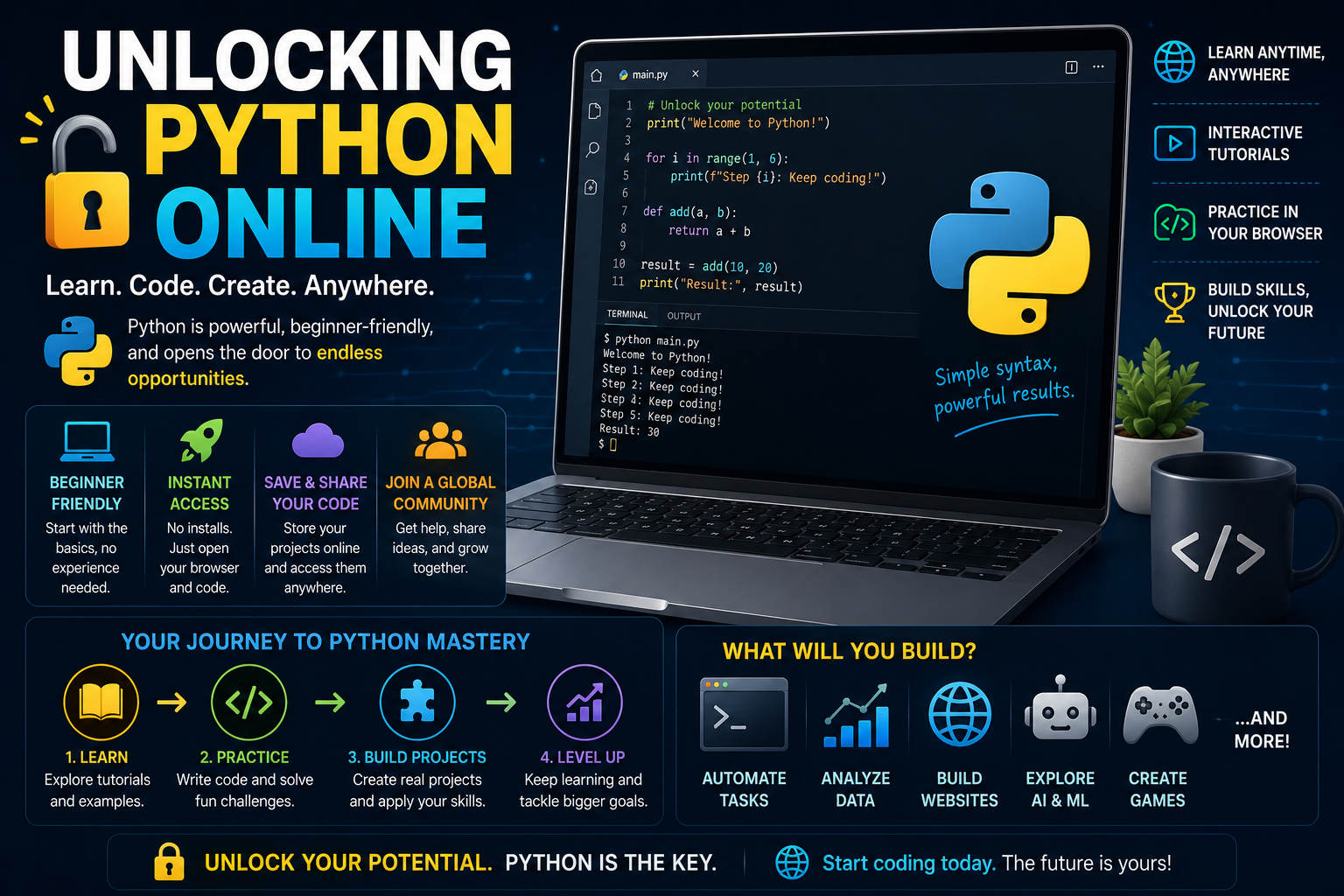
Learning and running Python online has never been more accessible. Over the past decade, Python has exploded in popularity, finding its way into web development, machine learning, data analysis, automation, and much more. Whether you’re exploring code for the first time, practicing for exams, or developing robust web applications, a range of intuitive, browser-based solutions are now available—no installations required. If you’re curious about harnessing the power of Python online, this comprehensive guide will show you everything you need to know, compare the best platforms, and help you unleash your creativity without getting bogged down by technical setups.
Discovering how to code in Python online isn’t just about convenience—it’s about unlocking potential. You can experiment, share, or even deploy projects right from your browser, making Python accessible on any device, anywhere with an internet connection. In this detailed article, we’ll explore the most trusted environments for running Python in the cloud, what features set each apart, and why online coding can boost not only productivity but also collaboration. By the end, you’ll know exactly where and how to start your Python journey online, whether you’re learning, teaching, or building something big.
Why Use Python Online?
Python’s broad appeal stems from its simplicity and versatility. Created by Guido van Rossum and released to the public in 1991, Python has established itself as a top-tier programming language for learners and professionals alike. Its readable syntax, open-source availability, and thriving community make it an attractive choice for a myriad of applications—from simple scripts to advanced data-driven apps.
- No installation headaches: Online platforms eliminate the need to set up a development environment locally. That means no messing with PATH variables, virtual environments, or dependency conflicts—just code and go.
- Collaboration made easy: Working online often means you can save, share, or revisit your code from any computer. Whether you’re part of a study group, coding classroom, or professional team, these tools smooth the path for collaborative projects.
- Consistent cross-platform experience: No more debugging weird issues stemming from “it works on my machine.” With browser-based IDEs, everyone’s code runs in the same controlled environment.
- Batteries included: Most leading platforms come packed with essential Python packages and can install more libraries from the Python Package Index (PyPI) in seconds.
The Best Online Python Platforms
Choosing the right online Python tool depends on your needs—practice, education, collaboration, or even web deployment. Here’s a detailed look at the solutions that consistently lead the pack, drawing from current leaders on search engines and community sources.
1. Online-Python.com
Online-Python.com is a user-friendly IDE, editor, and compiler rolled into one. If you want to build, run, and share Python code without hassle, this environment is engineered for speed and simplicity:
- No setup required: Start coding in your browser instantly, without configuring a local environment.
- Modern, accessible interface: Type your code, hit RUN, and see results right away. The code editor also supports both dark and light themes to suit your preference.
- Online code sharing: Save your projects in the cloud using the SHARE feature and access them from anywhere with internet access.
- Comprehensive module support: Access advanced libraries relevant to data science like Pandas and NumPy, as well as a wide array of third-party modules.
- Full-featured output terminal: The expandable terminal lets you interact with your program, copy or download results, and even test inputs in real time thanks to Python 3.12’s interactive shell support.
Learning tools abound: Newcomers can take advantage of coding hints for frequent Python pitfalls and refer to handy resources that explain syntax and basic usage. If you ever hit a wall, active user forums and documentation are just a click away. Whether you’re writing a script for the first time or exploring data analysis, Online-Python.com threads the needle between simplicity and power for all audiences.
2. PythonOnline.net
PythonOnline.net offers much more than just online execution—it’s a full-featured, cloud-based development hub. Designed to erase all friction from the coding process, this platform lets you harness the full capabilities of Python from your browser, powered by real server-side execution on high-performance Linux machines—no simulated runtimes here!
- Professional editing environment: Equipped with the Monaco Engine (the same editor behind Visual Studio Code), offering IntelliSense, real-time linting (with Ruff), and multi-tab layouts.
- Complete package management: Install any library from PyPI in a click. Dependencies are saved with your project, so you can easily return and pick up where you left off.
- Web app deployment: Transform your code into fully deployed Flask, FastAPI, or Streamlit web applications, hosted instantly under a secure subdomain like https://*.pythononline.app.
- Automated scheduled tasks: Put your logic on autopilot—enable scripts to run daily or at set times, even when you’re offline.
Collaboration and feedback are at the heart of this platform: PythonOnline.net encourages users to share suggestions, report bugs, and shape the site’s evolution. This openness fosters a thriving, engaged community. Plus, handy keyboard shortcuts can turbocharge your workflow if you’re a power user.
3. Programiz Online Python Compiler
Programiz keeps things refreshingly simple for those who want to jump in and run Python code quickly. While it’s a lightweight offering compared to others, it delivers what many learners and tinkerers need—an instant Python 3 editor and interpreter you can access without registration. If you just want to write a short script or see a snippet in action (like print(“Start small. Ship something.”)), it does the job efficiently. Bear in mind, it’s more of a handy sandbox than a full IDE—expect minimal frills, but reliable, distraction-free compiling.
4. PythonAnywhere
PythonAnywhere is tailored for both education and professional development. Its biggest draw is that it provides a fully preconfigured environment for running, editing, and sharing Python code and web applications directly from your browser. Here’s what sets PythonAnywhere apart:
- Perfect for classrooms: Teachers can bulk-create student accounts, pre-populate projects with starter files, and view student consoles to monitor progress or assist in real time.
- Uniform coding environments: All students use the same version of Linux, text editors, and Python interpreters, erasing the need to troubleshoot platform-specific issues.
- Collaboration-ready: Students can share files or consoles with classmates for group work or peer learning, all managed through a web interface.
- Cloud persistence: Your projects sync seamlessly—start at school or work and continue coding at home on any device with a browser.
- Free tier available: Basic accounts are free, perfect for introductory programming courses or casual projects. More demanding usage (like persistent hosting) has a paid tier.
PythonAnywhere isn’t just for teaching, though. Its “batteries-included” environment makes it ideal for hobbyists or professionals seeking hassle-free Python access without hardware overheads. It evolves rapidly, so checking their latest education support and limitations is wise before committing for large classes.
5. LearnPython.org
If interactive learning is your goal, LearnPython.org delivers a beginner-friendly gateway. The site offers free tutorials, hands-on exercises, and certification opportunities. Whether you’re building knowledge from scratch or diving into more advanced topics, the structured lessons guide you step by step. Community features like a Facebook group make it easy to connect with other learners or contributors, and certification options mean you can showcase your skills on LinkedIn once you finish the track. The platform excels at guiding both adults and kids through Python basics and more challenging concepts in a clean, accessible format.
6. Jupyter.org and Binder
Jupyter Notebook has become indispensable for scientists, educators, and anyone working with data or code narratives. Through Jupyter.org/try, you can experiment directly in your browser thanks to integrations like mybinder.org and JupyterLite. These environments let you run interactive notebooks using Python (and other languages)—it’s perfect for data analysis, demonstrations, and reproducible research.
- Applications for teaching and research: Try out Jupyter’s tools with zero installation, saving your projects in the cloud or downloading when you’re done.
- Open source innovation: The Jupyter project continuously advances, offering experimental browser-run options through JupyterLite and robust sharing via Binder.
One caveat: Some online Jupyter experiences are still experimental and may hit occasional bugs, but the rich interactivity and community focus make it an appealing option for learners and researchers seeking more than just a simple script runner.
7. Python.org
Python.org, the official language site, is an essential stop for anyone serious about mastering Python. You’ll find detailed documentation, code samples (like list comprehensions and enumeration), and links to the wider Python ecosystem—including download links if you ever want to move from the online world to a local install. Although it doesn’t offer an integrated web IDE, the site remains a cornerstone for learning the language’s syntax, philosophies, and best practices.
Key Advantages of Running Python Online
Why are so many people pivoting to online solutions? Here’s what the experts and top-ranking sites agree makes online Python coding worth a shot:
- Instant start-up: No technical hurdles. Just open your browser and get to work, regardless of whether you’re on Windows, Mac, Linux, or even a tablet.
- Zero configuration need: All dependencies, interpreters, and common packages are ready to use. Stuck on a missing library? Install it in seconds without breaking a sweat.
- Cloud mobility: Your files and settings follow you from one session to another. Plus, backup and sharing are often one click away.
- Learning friendly: Built-in hints, documentation links, and active forums or groups make the learning curve smoother for beginners.
Who Should Use Python Online?
Online Python environments are remarkably adaptable—great for:
- Students and teachers: Classroom management is a breeze with shared files, progress tracking, and no need for hardware setup days.
- Beginners: Take your first steps in coding without getting overwhelmed. No installations, just immediate feedback and support.
- Professional developers: Automate scripts, develop APIs, deploy small web apps, or test packages directly in the browser when away from your primary machine.
- Data scientists: Explore data, run notebooks, and perform analyses using powerful libraries right from the cloud.
Essential Features to Look For
Not all online environments are created equal. When picking the right platform, consider these standout features drawn from the top competitors:
- Latest Python support: Platforms supporting the current Python 3.12 version ensure compatibility with modern code and libraries.
- Advanced editor tools: Features like syntax highlighting, real-time error checking, and tabbed or split views can supercharge your workflow.
- Interactive inputs: Some platforms allow for real-time user input, closely mimicking a local development experience.
- Robust terminal output: An expandable, copyable terminal output window makes debugging and experimentation easy.
- Persistent cloud storage: Save your work for later, access it anywhere, or even deploy web apps with no extra setup.
- Collaboration & sharing: Share code, get feedback, or work collectively with classmates, teachers, or teammates.
- Community and official support: Well-maintained user forums, help documentation, and responsive support teams are invaluable, especially for beginners.
Tips for Making the Most of Python Online
Ready to jump in? Here are some practical tips for getting the most out of these platforms:
- Experiment with code sharing: Many platforms let you save or share your scripts. Use this to show work to instructors, collaborate with peers, or revisit code later.
- Explore automation and web deployment: On advanced IDEs, you can not only write scripts but also deploy mini web apps or schedule recurring execution for automation tasks.
- Take advantage of package managers: If your coding calls for specialized libraries, choose an environment that supports PyPI installations so you never hit a roadblock.
- Seek out community help: Don’t hesitate to tap forums, user groups, and feedback forms—these communities thrive on helping new and seasoned programmers alike.
Python online IDEs and learning platforms have reshaped how we code, learn, and deploy software in the modern era. By removing technical barriers, they unlock access for everyone, regardless of experience level or hardware. From beginner-friendly compilers to full-scale cloud development environments, the range of options ensures there’s a solution fitting every use case. If you’re eager to dive into Python, now is truly the best time to start—no installations, endless flexibility, and a wealth of resources at your fingertips. Don’t hesitate to explore the listed platforms, experiment, and discover your new favorite way to code Python online.