
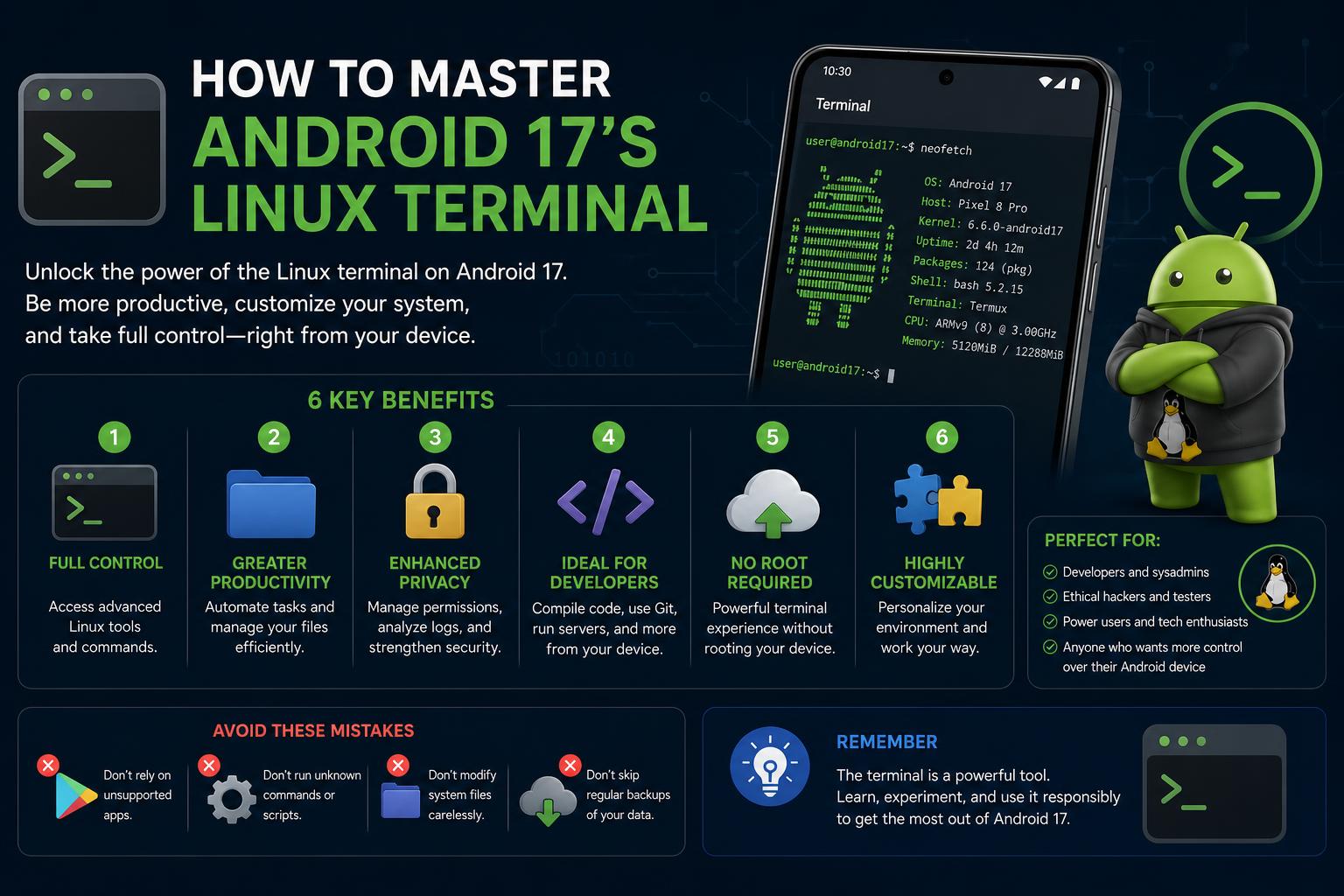
- Android 17 QPR1 Beta 6 brings custom fonts, multi-window support, and per-shortcut keyboard remapping to the Linux Terminal app.
- Visual upgrades and theme support deliver a modern UI, embracing Material 3 and Alacritty imports for deep customization.
- Device support remains limited to Pixel for now, with gradual expansion possible and ongoing bugs still impacting production use.
With the arrival of Android 17 QPR1 Beta 6, the Linux Terminal experience on Android is evolving faster than ever. Recent updates have introduced a multitude of features and refinements, sparking heated discussions among developers, power users, and even casual tinkerers looking to integrate their favorite Linux workflows into the Android ecosystem.
But what specifically has changed in Android 17’s Linux Terminal, and does it finally deliver the smooth, customizable experience users have been waiting for? Let’s break down exactly what’s new, how it compares to past releases, what’s still missing, and how all this might shape future Android devices’ productivity capabilities.
Android 17’s Linux Terminal: A Leap in Customization and Functionality
The latest iteration of the Linux Terminal app on Android, delivered in Beta 6 of Android 17 QPR1, marks a pivotal change. Dedicated terminal users have long yearned for enhancements in style, session management, and keyboard compatibility. Google has finally rolled out substantial improvements that position its native terminal as a genuine contender for mobile command-line workflows.
Key Features Introduced in Android 17 QPR1 Beta 6
- Custom Font Imports: Users are no longer restricted to the system font. Now, you can import your preferred monospaced typefaces directly from device storage, making extensive shell sessions much easier on the eyes.
- Multi-Window Support: Beyond traditional tabbed navigation, the terminal now supports opening entirely separate windows, each tracked independently in the Android recents menu, perfect for parallel workflows.
- Remappable Keyboard Shortcuts: The addition of granular, per-shortcut keyboard remapping under a dedicated settings menu lets users resolve conflicts and streamline complex input workflows, especially when using external keyboards.
Diving Into the Details: What Each Enhancement Offers
Custom Fonts for a Personalized Look
One of the most requested features for terminal professionals is the ability to choose a specific font, often a key part of their desktop workflow. Before Beta 6, the Android Terminal was locked to the system default, causing headaches for those who rely on certain monospaced fonts for legibility or accessibility reasons. The new import mechanism, accessible via the app’s preferences menu, lets you pick any compatible font from your device’s storage and assign it as the default for terminal sessions. This change not only improves visual comfort during long sessions but also ensures a consistent experience across devices and platforms.
It’s worth noting that the exact supported font formats have not been exhaustively documented in the available reporting. Additionally, it remains important to test whether the Terminal enforces monospaced rendering, as non-monospaced fonts can break the visual structure of shell output. Still, this addition eliminates a significant pain point for serious users.
Multi-Window: Real Multitasking Arrives
Tabs have long been a staple of advanced terminal emulators, but Beta 6 takes session management one step further with independent window support.
- Each new window appears in Android’s recents screen like a separate app session, ensuring seamless switching between your terminal tasks and other Android apps.
- This capability means you can keep an eye on a build job in one window, while inspecting logs or monitoring resources in another—without burying everything inside a single app context.
This new approach directly tackles the longstanding annoyance of context switching limitations on mobile. Where tabs were limited to in-app navigation, multi-window lets your terminal sessions participate fully in the multitasking paradigm that Android users expect.
Keyboard Shortcut Remapping: Custom Controls for Power Users
Serious terminal users often rely on quick-access keyboard shortcuts, yet global or inflexible bindings can create frustrating input conflicts—especially with third-party or external keyboards. Android 17 QPR1 Beta 6 introduces granular remapping, where each shortcut is individually manageable from the settings panel.
For those who have suffered from system-level conflicts or missing shortcuts: the new per-shortcut customization is a game changer. You can now enable or disable individual bindings and assign new key combinations by simply tapping a settings icon next to each shortcut. This allows for precise workflow tuning without sacrificing all shortcut support when just one mapping conflicts with an external keyboard.
Visual and UI Refinements: Material 3 and Beyond
- Better menu spacing and rounded UI elements: These cosmetic improvements, ushered in by Material 3 Expressive guidelines, make the Terminal look and feel much more polished and modern.
- Home screen items now benefit from wider spacing and less clutter,
- Tabs and containers sport a contemporary rounded style,
- Colors appear richer in the main window,
- Separator lines are gone, creating a cleaner, more app-like experience.
These updates align the Terminal visually with other first-party Android apps, making it far more inviting for developers who might otherwise stick to desktop tools or rough-around-the-edges emulator apps. Android Authority and Gadget Hacks specifically pointed out that these changes represent Google’s push to make the Terminal a native-class citizen on Android.
Session Theming: Alacritty Theme Import Support
The drive towards customization began even before Beta 6, with the earlier addition of a theme menu capable of importing Alacritty-format (.toml) color schemes. By choosing an open, desktop-standard format rather than forcing a proprietary approach, Google has lowered the barrier for users who maintain customized shells across multiple platforms. Learn more about setting up themes on Android 17’s Linux Terminal.
- A dedicated “Download more themes” button links directly to terminalcolors.com, streamlining acquisition and import processes.
- Once added, themes apply specifically to the Terminal’s output area, keeping interface controls unaffected for clarity.
- Unwanted theme imports can be easily deleted.
The capacity to synchronize Terminal aesthetics across Linux, macOS, and Android devices is a powerful tool for those managing multi-platform environments.
Under-the-Hood: Bugs, Limitations, and Transparency Issues
Despite the rapid pace of feature delivery, Android’s Linux Terminal still carries some unresolved issues historically documented in release notes, particularly:
- Crashes triggered if users change their UI font size while the Terminal app is open.
- An inability to type common special characters (e.g., @, *, #) in the GUI terminal—an issue that, if unresolved, makes many command-line workflows impractical.
The currently available reports do not explicitly confirm whether these have been fixed, so real-world users should verify the app’s current behavior before relying on it for critical development work. The willingness to push fresh features while core bugs remain highlights the difference between beta feature velocity and enterprise-level stability.
The Device Landscape: Pixel Focus and Gradual Expansion
The new Terminal features initially launched on Pixel devices as part of the March 2025 Pixel Drop. According to multiple sources, it’s unclear when—or if—these features will roll out to non-Pixel Android hardware. For now, users on Samsung, Xiaomi, or other devices need to factor in possible delays and uncertainty about official support.
There’s speculation that Samsung’s One UI 9.0 could benefit from these improvements once integrated, potentially extending the advanced Linux Terminal experience beyond Google’s own devices. For those looking to increase their productivity on Android, learning how to root your Android device can facilitate access to new terminal features and other advanced capabilities.
Android 17 and Desktop Linux Integration: Real Desktop Mode Progress
One hugely significant aspect mentioned by community projects and forum participants is Android 17’s enhanced support for desktop mode, including seamless integration with full Linux desktop environments. An example is VolksPC, a Debian-based desktop distribution capable of running as an application on any rooted Android device using Google’s GKI kernel.
With Android 17, devices running VolksPC can offer a complete desktop Linux experience directly on the phone or tablet, marking a significant leap in Android hardware’s versatility. Compatibility with tools like Android Studio will facilitate the development and integration of these capabilities.
Display Resolution Options and GUI Improvements
The newest beta also introduces display resolution options specifically for the graphical interface used in the Linux Terminal. This improvement allows users to adjust visual quality or prioritize performance when running graphical applications in the Linux environment, a key aspect for devices with limited resources. More information about these new features is available in Android Authority’s analysis.
APK Teardowns: What the Future Might Hold
Many of the features discussed—especially changes to the interface and visual styles—were discovered through APK teardowns. This process offers a sneak peek at future functionalities, although it should be noted that they may not be implemented in the final release. For those planning to take advantage of the new capabilities, consulting reliable information helps to understand the future direction of the project.
Community Reception: Forums, Feedback, and Real-World Use
- Users report substantial improvements in workflow flexibility, especially with multiple sessions and external keyboards.
- Some bugs and limitations persist, such as instability in complex tasks and incomplete support for special characters.
- The need for better official documentation and clear communication about new features and fixes is highlighted.
What Still Needs Watching
- Stability of multi-window mode on mid-range devices: How will session management affect memory and resources in intensive tasks?
- Feature parity across different brands: Will devices from other manufacturers manage to match or exceed this experience?
- Official documentation and support: The release of official documentation would be key to the project’s maturation.
- Resolution of critical bugs: Until these issues are solved, adoption should be cautious.
Mastering the New Android 15 Linux Terminal: Features, Setup, and Practical Use Cases