
- Factory Reset Protection is a vital Android security measure against unauthorized device access.
- Unofficial FRP bypass tools and APKs often carry significant malware and data exposure risks.
- Official recovery methods and proper device management are always safer and more compliant for individuals and organizations alike.
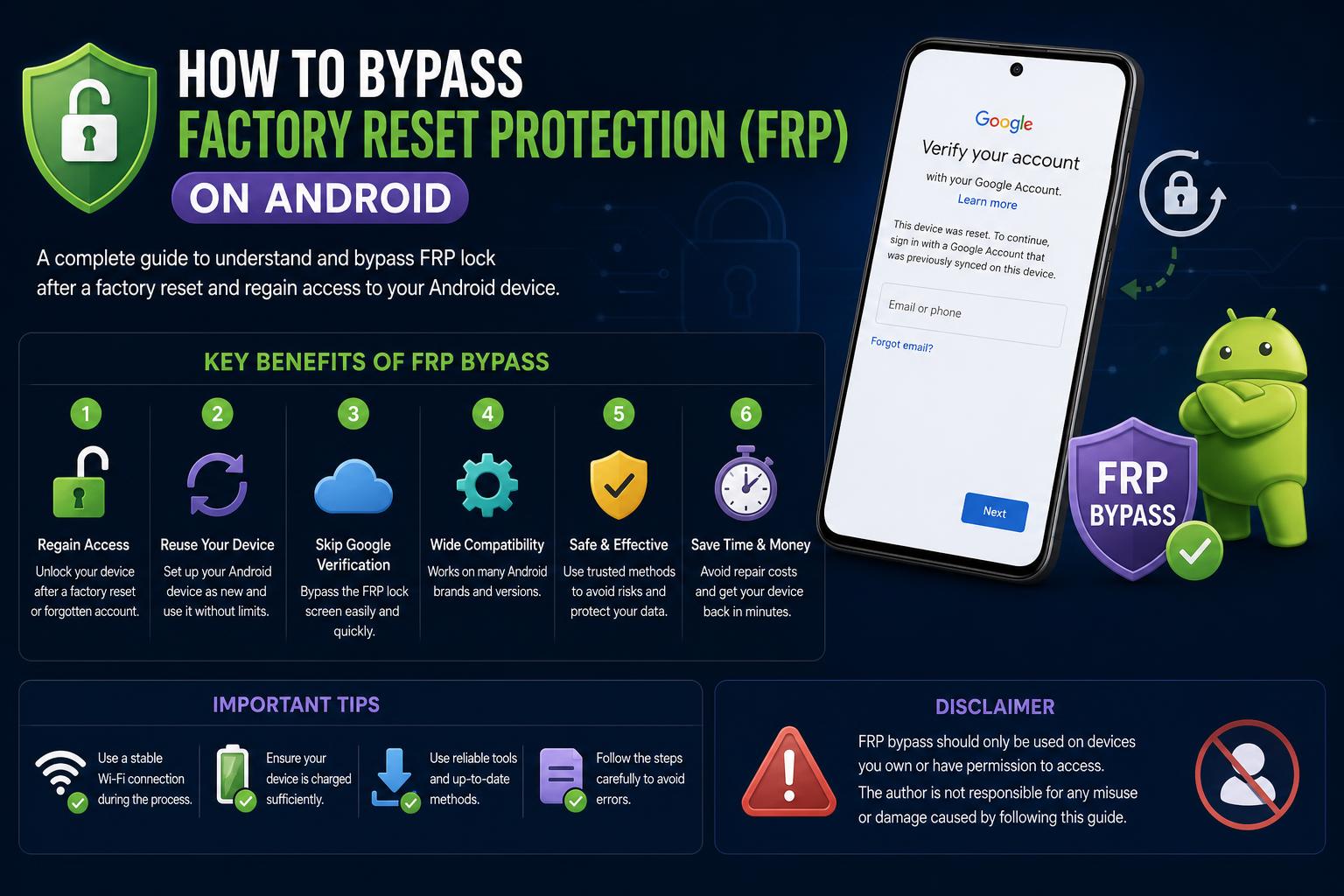
For anyone who’s ever tried to set up an Android device only to get stuck at a Google account verification screen after a factory reset, you know firsthand how Factory Reset Protection (FRP) can turn a simple device handover into a complex puzzle. Whether you’re managing devices in a company, dealing with a second-hand phone, or simply forgot your credentials, understanding FRP is vital. But amidst the chatter about “bypassing” this security feature, it’s crucial to recognize why FRP exists, what risks come with circumventing it, and which legitimate recovery steps actually work.
Factory Reset Protection may seem like an obstacle, but its purpose is to secure devices and user data from unauthorized access—especially in lost or stolen device scenarios. While the internet is rife with anecdotal stories (often from IT professionals and everyday users) and guides to “bypass” FRP through assorted apps or hacks, these don’t always account for the evolving security landscape or the risks you might be exposing your device (or organization) to. This article will break down what FRP is, why it’s so effective as a defense, what to watch out for if you’re considering a workaround, and how to handle FRP in ways that keep security front-and-center.
What is Factory Reset Protection (FRP)?
Introduced in Android 5.1 Lollipop, Factory Reset Protection is an automatic security layer that kicks in as soon as you add a Google account to an Android device. If the device is reset—whether on purpose, by accident, or even remotely—FRP prevents setup until the original Google account credentials are entered. This means that, even after a total wipe, a thief (or anyone else who finds or gets a hold of the phone) can’t make it usable without the correct login.
Why does FRP exist? The answer is simple and highly relevant in today’s mobile-driven world: to protect your personal information and to deter unauthorized device use. From preventing identity theft to keeping company data safe on issued work phones, FRP plays a central part in Android’s security line-up.
Common Scenarios Leading to FRP Lockouts
- Forgotten Google account credentials: It happens—especially if you haven’t used the account in a while or inherited a device from someone else.
- Second-hand devices: If you buy or receive a pre-used Android phone still tied to its former owner’s Google account, you’ll be stuck at FRP after reset unless that association is properly removed.
- Enterprise device handoffs: In large companies, it’s not unusual for staff turnover to outpace proper device decommissioning procedures, resulting in locked company assets.
Each of these is a prime candidate for people searching “FRP bypass” and running into all kinds of solutions—some of which are more trouble than they’re worth.
Why Is Attempting an FRP Bypass Dangerous?
-
- Data exposure: Trying to unlock a phone with unauthorized tools can leave sensitive data open to malware or tampering during the process.
- Malware infections: Many APKs that promise an FRP bypass contain malicious code that can compromise your privacy and accounts.
- Regulatory non-compliance: For businesses, using unauthorized software can breach privacy laws or internal security policies—such as GDPR or HIPAA.
- Device damage: Modifying the software can void the warranty or even brick the device, especially if official processes aren’t followed.
Expanding the attack surface: Weakening built-in security increases the odds of hackers exploiting vulnerabilities. To better understand rooting options, see what Android Fastboot is.
How Does FRP Actually Work? A Closer Look
What Options Are There for Bypassing FRP? What You’ll Find Online
Safe and Legitimate Ways to Regain Access to Your Device
- Recover the Google account: If you’re the owner, you can reset the password from Google’s official account recovery page. Keeping your data synced and your recovery information up to date makes the process easier.
- Manufacturer support: Contacting technical support from brands like Samsung can help if you can provide proof of ownership, and in some cases, they can perform a certified unlock or reset.
- Mobile Device Management (MDM/EMM) systems: Platforms like those covered in setting up and using a VPN on Android help manage corporate devices to prevent unauthorized lockouts and make recovery and control easier.
- Authorized service centers: For persistent cases, going to certified professionals ensures a safe solution without voiding the warranty.
What Is KingRoot? The Complete Guide to Android Rooting with KingRoot
Best Practices to Avoid FRP Issues
- Remove your Google account before resetting: Always remove the account from settings to avoid triggering FRP after a reset.
- Keep your recovery information up to date: Periodically checking your recovery phone number in Google ensures you can restore access if you forget your credentials.
- Proper documentation: In businesses, maintaining efficient records and procedures for device ownership and transfers saves headaches.
- Employee training: Educating staff on how to carry out these processes correctly helps prevent accidental lockouts.
What Role Does FRP Play in Enterprise Environments?
How Do Attackers Try to Exploit FRP-Protected Devices?
- Social engineering: Tricking owners or administrators into handing over credentials.
- Searching for Android vulnerabilities: Exploits on older versions are less common now, but risk still exists on unpatched devices.
- Malware in apps: Some bypass APKs contain viruses that enable malicious access.
The Future of FRP and Android Security
Common Mistakes That Cause FRP Problems
- Resetting without removing the Google account.
- Using unofficial or shared credentials.
- Ignoring firmware or security updates, which fix vulnerabilities.
- Relying on unverified tools to bypass FRP.
- Lack of training on proper procedures within organizations.
Frequently Asked Questions About FRP
New Technologies That Complement FRP
- Endpoint Detection and Response (EDR): Monitors and blocks suspicious activity, making FRP bypass attempts harder.
- Zero Trust: Requires every user and device to verify their identity on every access attempt, reducing vulnerabilities.
- Regular updates: Keeping software up to date helps close older security gaps.