
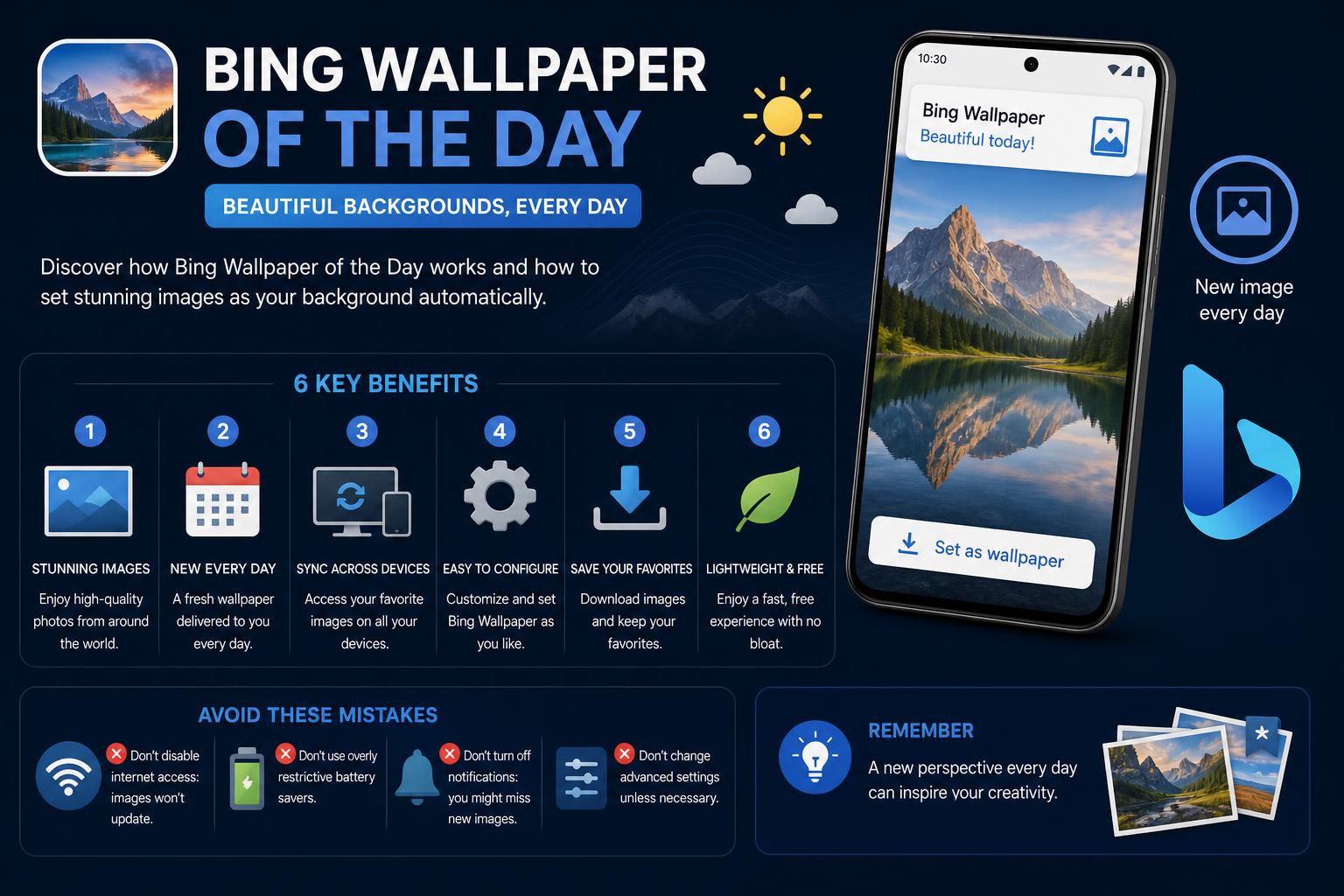
- Bing daily wallpapers offer automatic, high-quality images from around the globe for desktops and mobiles.
- Official Microsoft apps and third-party alternatives provide access, customization, and troubleshooting for all platforms.
- Online galleries allow users to browse, download, and archive past wallpapers, including themed and educational highlights.
Imagine opening your computer or phone every morning and being greeted by a breathtaking new image – a misty sunrise over Paris, playful polar bear cubs in Norway, or a vibrant field of flowers in China. This is the everyday magic of the Bing wallpaper of the day, a feature that brings the world’s natural beauty and cultural wonders straight to your screen. As more users discover this daily dose of inspiration, platforms, apps, and fansites are emerging to help everyone enjoy these spectacular backgrounds effortlessly and in high definition.
If you’re new to Bing Wallpaper or you’re searching for reliable, up-to-date ways to access and set the best images every day, you’ll want to understand the different options available, how they work, and how to troubleshoot any snags along the way. Let’s dive into everything there is to know about Bing’s daily wallpapers, from official tools to third-party apps, so you can keep your digital space fresh, beautiful, and uniquely yours.
What is Bing Wallpaper of the Day?
The Bing wallpaper of the day is a curated, high-quality photo or art piece displayed as the background on Bing’s homepage and through various platforms. Microsoft’s team selects a new image daily, showcasing landscapes, wildlife, cities, events, and even cultural celebrations from around the world. This initiative not only makes searching more visually engaging but also sparks curiosity about new places and global events.
Main Ways to Enjoy Bing Wallpapers
- Bing’s official Wallpaper application
- Third-party apps for different devices
- Online galleries and manual downloads
Official Microsoft Bing Wallpaper App
Microsoft offers an official Bing Wallpaper application for Windows PCs. This tool automatically updates your desktop with a stunning new photo every day. The selection ranges from peaceful natural parks to urban landmarks and notable moments such as National Park Week or cultural heritage months. You can also manually select your favorites or let the application surprise you.
Key highlights include:
- Automatic daily updates: No need to search for or download wallpapers manually.
- Wide variety: From polar bear cubs in Svalbard to views of the Eiffel Tower at sunset.
- Direct integration: For a seamless Windows wallpaper experience.
To get started, simply download the official app from the Microsoft website, install it, and configure your preferences. The program will automatically change your wallpaper each day to the featured image on Bing.com.
Bing Wallpaper Galleries Online
For users who want more control or access to historical images, dedicated galleries such as bing.gifposter.com offer extensive archives of previous Bing wallpapers. This is ideal if you want to revisit or download an image that caught your attention, or if you missed a specific day.
These galleries generally include:
- Collections indexed by date: Browse images from recent weeks, such as the Eiffel Tower in Paris (September 20, 2026), Oktoberfest in Germany (September 19, 2026), the Northern Lights at Kirkjufell in Iceland, or National Hummingbird Day.
- Global variety: Themed images for events, natural phenomena, and World Heritage sites.
- Download options: In many cases, you can save the image in high quality to use manually as your wallpaper.
Sites such as peapix.com go further by featuring highlights tied to certain events, such as Sea Otter Awareness Week, showing adorable otters and explaining the story behind the images. These platforms often credit photographers and provide interesting facts, making gallery browsing not only visually appealing but also educational.
Bing Wallpaper Apps for Mobile Devices
If you are on the go and want fresh Bing images on your mobile device, several apps can help you enjoy daily wallpapers:
On Android
There is an official Bing Wallpapers app on Google Play, which brings the Bing experience directly to smartphones and tablets. When it works well, users love how it automatically updates the home and lock screens. However, reviews mention some recurring technical issues, such as:
- Occasional failure to update the image, leaving the same wallpaper until the app is restarted.
- Compatibility issues with certain devices (for example, the Samsung Galaxy S24 Ultra may show stretching or cache problems; Pixel 8 users may need to intervene manually).
- Copyright restrictions on photos: on some days, you may not be able to set the image as wallpaper if it is protected by rights, which can be frustrating.
Although these inconveniences exist, most users feel that the quality and variety of Bing wallpapers make up for the minor technical issues. Some uninstall and reinstall the app to fix errors, with mixed results.
On iOS and Apple Devices
There are similar solutions for Apple users. The Daily Bing Wallpaper app for iOS and iPadOS offers several features:
- Support for 4K, Full HD, and standard HD resolutions.
- Region selection: choose wallpapers tailored to different countries or areas.
- Easy preview and download options for your device.
- Options in different resolutions and portrait mode.
- Push notifications to alert you when a new wallpaper is available.
- Various subscription models, from monthly plans to lifetime family packages.
- Compatible with iPhone, iPad, Mac (with Apple M1 chip or later), and Apple Vision devices.
The app is free with in-app purchases for advanced features or high-resolution downloads. It is highly recommended for users who want customization and regular notifications.
Common Issues and Troubleshooting Tips
Although Bing wallpapers are generally easy to use, some recurring issues have been reported by many users:
- Wallpaper fails to update: on mobile devices, this is often caused by cache issues. Try clearing the cache, restarting the app, or uninstalling and reinstalling it. On desktop, make sure the app is running and the background task is active.
- Stretched or distorted images: This can happen on devices with unusual aspect ratios or resolutions. Use the resolution selector in more advanced apps or manually crop downloaded images.
- Copyright limitations: Sometimes you may not be able to set the image of the day as your wallpaper because of restrictions. In that case, you can skip that day or use archive sites that provide permitted versions.
- The app crashes or gets stuck: Resetting app data or reinstalling the app is recommended if it remains stuck on a single image.
If you have specific issues, it is best to contact support for the relevant app. Most apps provide help resources in their settings or FAQ sections, and Microsoft support forums can be useful for more technical cases.
Highlights from Recent Bing Wallpapers
The variety of images Bing selects is one of the main reasons for its success. Each day offers a new opportunity to virtually explore different places. Below are some recent highlights available in official and fan galleries:
- Eiffel Tower at sunset, Paris, France
- Oktoberfest celebrations in Germany
- Winnats Pass, Peak District, England
- Polar bear cubs in Svalbard, Norway
- Field of kochia plants, China
- Cadini di Misurina, Dolomites, Italy
- Sea lions in the Mexican Pacific
- Village of Olvera in Andalusia, Spain
- Beech tree in Hampshire, England
- Mont-Saint-Michel at high tide, Normandy
- Anniversaries of major historical events (for example, the 25th anniversary of September 11)
Seasonal themes are also common, such as National Hummingbird Day, International Whale Shark Day, or National Mushroom Month. If environmental or cultural awareness matters to you, Bing’s wallpaper collection often aligns with global celebrations and awareness campaigns such as National Park Week or Sea Otter Awareness Week. Galleries such as Peapix even provide short stories behind some images, adding context and extra inspiration with each new wallpaper.
Tips for Customizing and Archiving Bing Wallpapers
With so many images available, you may want to create your own collection or only display wallpapers that match your style. Here are some advanced tips for experienced users:
- Manual downloads: Use the official Bing page or galleries such as bing.gifposter.com and peapix.com to choose specific wallpapers and save them to your files.
- Sync across multiple devices: Some apps let you synchronize wallpaper settings between PCs, tablets, and phones. Look for this option in paid or pro versions.
- Automate wallpaper changes: Create scheduled tasks (on Windows) or use automation apps on Android for greater control if built-in apps are not enough.
- Credit the artists: If you use wallpapers in public presentations or on websites, remember that many images include photographer credits, especially in fan galleries.
Why Are Bing Wallpapers So Popular?
Bing’s photo curation doesn’t just make your screen beautiful – it’s a gateway to discovery. The platform encourages people to learn about geography, wildlife, and important world events through simple daily exposure. The photos, always professional quality, often coincide with holidays or relevant events and include information or trivia on the Bing page. For users who want more than a static background, Bing combines surprise and education in their digital routine.
Comparing Bing Official Tools and Third-Party Options
While the official Microsoft app is the default choice for many users, third-party apps and archives have built a loyal community. Why?
- More features: Third-party apps often include customization, alerts, multi-resolution support, and historical archives spanning months or years.
- Device compatibility: If the official tool does not support your phone, tablet, or Mac, other apps provide alternatives. On iOS, options such as Daily Bing Wallpaper support Apple Vision and M1-based Macs, as well as Android alternatives.
- Community participation: Fan galleries often collect requests or create themed collections related to holidays, wildlife, or landmarks.
If you prefer the simplest option, the official app will serve you well. But for more adventurous users or anyone looking for historical images, custom settings, or multi-device synchronization, exploring alternatives is worthwhile.
How to Get the Most Out of Bing Wallpapers
To get the most out of Bing’s daily wallpaper experience, consider these tips:
- Set it up on all your devices. Use the official app on PC, Android or iOS apps, and browser extensions if you want wallpapers everywhere.
- Explore manual galleries when you want greater variety or unique wallpapers.
- Archive your favorites so you can enjoy them offline or in different workspaces.
- Value the context: choose apps or sites that include interesting facts, credits, and the story behind each image.
With a little setup, you will always have a view as dynamic and appealing as your interests. Whether you prefer nature, urban landscapes, or global events, Bing wallpapers offer daily visual inspiration.