
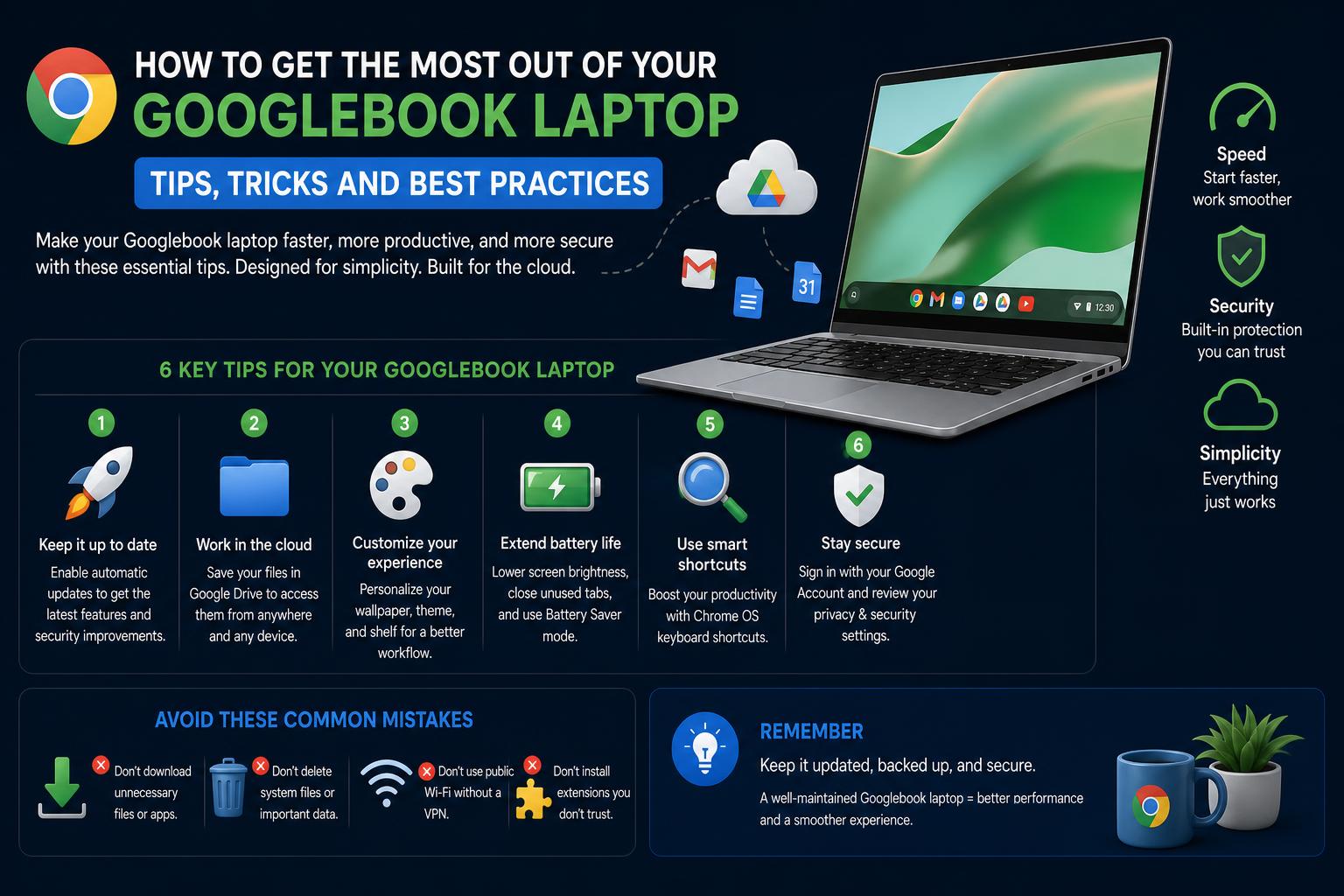
- Googlebook laptops introduce a fusion of Android and ChromeOS, powered by Gemini Intelligence for advanced AI integration.
- These premium devices offer seamless cross-device experiences, robust security, and 10 years of OS updates, positioning themselves above traditional Chromebooks.
- Major tech brands like Acer, Asus, Dell, HP, and Lenovo have released diverse Googlebook models, catering to users seeking performance, portability, and innovative features.
If you’ve kept an eye on the tech world this year, you’ve probably seen the buzz about Googlebook laptops—a brand-new category of device from Google that’s shaking up the premium laptop space. What sets these machines apart isn’t just the premium hardware or modern design, but a deep-rooted focus on Gemini Intelligence and a groundbreaking integration of Android, ChromeOS, and artificial intelligence technology. Googlebooks promise a more personal, adaptive computing experience that seamlessly bridges work and play, phone and laptop, cloud and desktop.
With the Chromebook having dominated schools and budget-conscious users for over a decade, Googlebooks aim to rewrite the rulebook for what a productivity laptop can be. If you’re a tech enthusiast, professional, or anyone who wants a hands-on look at where laptops are heading, you’ll want to dig deep into this comprehensive overview. Here’s everything you need to know about Googlebook laptops: from how they work, the models you can buy, their features, and what makes them such a leap forward for everyday computing.
What Is a Googlebook Laptop?
A Googlebook is a new class of laptop engineered specifically for the age of artificial intelligence. Announced by Google in May 2026 and launching first in October 2026 in the United States (and the following day in Canada, the UK, Ireland, France, Germany, and Australia), these devices were created as the spiritual and technological successor to the Chromebook. Googlebooks run an entirely new operating system, Googlebook OS, which brings together the cloud-first approach of ChromeOS and the app richness of Android while integrating Google’s powerful Gemini AI at their core.
Unlike the affordable Chromebooks that have become a mainstay in education and business, Googlebooks are purposefully positioned as premium laptops. They are built with top-shelf materials like aluminum, magnesium, and carbon fiber, feature high-end specs and displays, and are designed to deliver advanced security, a desktop-focused environment, and constant feature improvements with regular long-term OS updates.
How Googlebook OS Reimagines the Laptop Experience
At the center of the Googlebook experience is Googlebook OS, a desktop operating system derived from Android but optimized for laptops and productivity. While it builds on familiar elements of ChromeOS and Android—including full access to the Google Play Store and a modern, touch-friendly UI—it incorporates the latest breakthroughs in Gemini AI. That means context-aware suggestions, seamless app switching, deep integration with your Android phone, and proactive assistance—bringing Google’s search, productivity, and personal assistant tools closer to the heart of your laptop experience.
For example, if you’re working on a project, Gemini Intelligence can help with research, summarize meetings, or suggest relevant documents. This intelligence is not only built into the OS but extends across the apps you use and the websites you visit. The result is a machine that doesn’t just run programs—it actively supports the way you work, learn, and play, anticipating needs in a way not possible with previous Chromebook generations.
Timeline: How the Googlebook Came to Be
The journey from Chromebook to Googlebook began over 15 years ago, when Google first introduced laptops that prioritized web applications and cloud storage. However, as personal computing evolved and the role of AI accelerated, Google recognized a new opportunity. In July 2025, company executive Sameer Samat confirmed to TechRadar a project to merge ChromeOS and Android into a single intelligence platform. Later that year, teasers from tech events and statements from Google Hardware chief Rick Osterloh and Qualcomm CEO Cristiano Amon hinted at an ambitious upgrade coming soon.
In May 2026, during “The Android Show: I/O Edition” livestream, Google pulled back the curtain on the Googlebook—announcing its integration with the upcoming Android 17 release and pioneering the use of Gemini AI as its digital brain. Preorders and media coverage for the first devices started in September 2026, with the lineup officially launching in October 2026 across major global markets.
Meet the First Googlebook Models
At launch, five models were revealed from top hardware partners, each tailored for different types of users. All of them are built to deliver not only performance, but also versatile features for both work and play. Here’s a breakdown of what each one brings to the table:
Dell XPS Googlebook
The Dell XPS Googlebook is the most compact model in the lineup, echoing the celebrated design language of Dell’s XPS Windows laptops. It’s made entirely from aluminum for a robust yet sleek appearance and weighs just 2.2 pounds, perfect for those constantly on the move. Its standout features include the latest Qualcomm Snapdragon X Elite processor, a 13.4-inch 2.5K-resolution touchscreen with 500-nit brightness, a choice of 16 or 32GB of RAM, 512GB of storage, plus finger-swipe security courtesy of a fingerprint reader. At launch, it’s available for $999 at select retailers like Best Buy, though the standard price point is $1,199.
Lenovo Googlebook 15
The Lenovo Googlebook 15 boasts a gorgeous 15.3-inch OLED touchscreen—the largest of the debut range. Its magnesium-alloy and carbon fiber construction keeps it remarkably light (just 2.8 pounds) despite the expansive display. Powered by an Intel Core Ultra 5 Series 3 (Panther Lake) processor, and paired with 16GB RAM and 256GB storage, it caters to users who value screen real estate and immersive audio, featuring Dolby Atmos sound. Additional perks include both facial and fingerprint recognition plus a haptic touchpad for a next-gen feel. Retail pricing started at $1,299, but it could be found for $1,099 at promotional retailers.
Acer Googlebook 14
For those seeking flexibility, the Acer Googlebook 14 stands out as the only convertible (2-in-1) in the initial batch, ideal for creative professionals and students alike. Despite its versatility, it’s light at 2.5 pounds owing to its magnesium and aluminum construction. Under the hood sits either an Intel Core Ultra 5 or 7 Series 3 (Panther Lake) chip, with 16GB RAM and 256GB storage. Its 14-inch 2.8K OLED touchscreen supports the USI 2.0 pen, making it a strong choice for note-takers and digital artists. This model’s price point is particularly attractive at $899 during initial launch offers.
HP Googlebook 14
HP’s entry in this lineup is both eye-catching and practical. The HP Googlebook 14 features a full aluminum build and weighs 2.7 pounds. You’ll find a 14-inch 2.8K OLED touchscreen, haptic touchpad, fingerprint sensor, and face authentication for quick logins. Thanks to the Qualcomm Snapdragon X Elite processor and choice of 16 or 32GB RAM, it’s a performance powerhouse for professionals or multitaskers. Base price is $1,299, putting it squarely in the premium category.
Asus Googlebook 14
Asus delivers an ultra-premium touch with their ceramic-finished Googlebook, inspired by the high-end ExpertBook Ultra. Weighing just 2.2 pounds (thanks to the combination of aluminum and magnesium), it packs in an Intel Core Ultra 5/7 (Panther Lake) processor, up to 32GB of memory, 256GB of storage, a 14-inch 2.8K OLED touchscreen, a responsive haptic touchpad, and a fingerprint sensor. Pricing is consistent with other high-spec models at $1,299 and up.
Key Features That Set Googlebooks Apart
Rather than just being “better Chromebooks”, Googlebooks introduce a whole new level of sophistication and intelligence. Here’s what makes these laptops so noteworthy:
- Seamless Cross-Device Synergy: Googlebooks are designed to work in tandem with your Android phone. Feature integration allows for easy file transfers, shared clipboard, synced notifications, and even unlocking your laptop using your phone if it runs Android 17 or later. This mirrors the synergy seen in the Apple ecosystem but within Google’s world.
- Gemini Intelligence Built-In: The integration of Gemini means Googlebooks can anticipate your needs, suggest smart actions, summarize your day or tasks, and offer personalized productivity recommendations with context awareness.
- Premium Build Quality: Manufacturers use aluminum, magnesium, and carbon fiber frames for sleek, strong, and lightweight chassis—not to mention ceramic finishes on some Asus models.
- Stunning OLED Touchscreens: Across the range, users can expect high-resolution, ultra-bright OLED displays with multi-touch capabilities and pen support (on select models). Great for designers, movie lovers, or anyone who wants vibrant visuals.
- Pro-Grade Input Hardware: Haptic touchpads, responsive keyboards with backlighting, and biometric authentication (fingerprint and facial recognition) offer a modern, secure, and enjoyable input experience.
- Long-Term OS Updates: Like Chromebooks, Googlebooks are guaranteed ten years of feature and security updates, ensuring your device stays fresh, secure, and fast for nearly a decade—an industry-leading promise.
- Full Android App Access: You can download and run the entire suite of Android apps through the Google Play Store, maximizing both entertainment and productivity. Even mobile games and creative apps are right at home here.
- Cloud Gaming and Software Perks: Initial purchasers get 12 months of Google AI Pro (worth $200, includes 5TB cloud storage and Gemini Advanced tools), three months of YouTube Premium, Adobe Photoshop, and Nvidia’s GeForce Now cloud gaming service.
Googlebook vs Chromebook: What’s Changing?
Chromebooks have long been the go-to for budget-minded buyers and educational users. Googlebooks don’t aim to replace Chromebooks overnight, but are targeted at professionals, enthusiasts, and anyone seeking high-performance portable computing. Both will coexist—affordable Chromebooks remaining popular in schools and enterprises, especially as they are guaranteed 10 years of support and improvements. Meanwhile, high-end Chromebook Plus models may gradually evolve into Googlebooks in the future. ChromeOS isn’t going anywhere just yet, but its focus may shift as more users adopt Googlebook OS and its AI-first paradigm.
Manufacturers and Availability
The initial batch of Googlebooks is delivered by Acer, Asus, Dell, HP, and Lenovo—all tech giants with deep experience building reliable, high-performance laptops. At this moment, Google does not manufacture a “Pixel Googlebook”, but hasn’t ruled out introducing its own hardware in the future. For now, third-party OEM partners supply the full lineup. Official release began on October 4, 2026 (US), and October 5th for other major markets.
Tech Specifications and Hardware Summary
Let’s get specific. Here’s a consolidated look at the basic specs powering the first Googlebooks:
- Processors: Choice of Qualcomm Snapdragon X Elite or Intel Core Ultra 5/7 Series 3 (Panther Lake), ensuring fast, energy-efficient performance and strong battery life.
- Memory: Options range from 16GB to 32GB of RAM for effortless multitasking.
- Storage: Models offer from 256GB to 512GB SSD storage, with possible future upgrades on the horizon.
- Displays: Touch-enabled OLED displays range from 13.4 inches to 15.3 inches, boasting resolutions up to 2.8K and as much as 500 nits brightness.
- Build: Premium materials (aluminum, magnesium, carbon fiber, ceramic finishes) deliver lightweight, robust, and stylish designs.
- Input: All models include haptic touchpads, backlit keyboards, and biometric sensors (fingerprint and/or facial recognition).
- Pen Support: USI 2.0 stylus compatibility available on select models for designers and note-takers.
- Cloud Gaming: One-year GeForce Now subscription included for seamless access to top-tier games without relying on laptop-only hardware.
Security and Privacy Considerations
Googlebooks place a premium on data protection. Multiple layers of security are present: biometric logins (fingerprint and facial recognition), advanced OS-level sandboxing, and regular security patches for a full decade. Note on facial recognition: Security can vary by region and lighting; in some places, unlocking your device with biometric data may be governed by specific privacy regulations.
OS Updates and Software Longevity
One standout aspect for Googlebook owners is the guarantee of 10 years of operating system updates. This commitment ensures that your device receives the latest security and feature improvements, unlike some laptops that quickly lose support. For individuals and organizations, this translates into a reliable, low-maintenance investment.
Which Googlebook Should You Choose?
The ideal choice depends on your needs:
- Dell XPS Googlebook: For those who want a compact, stylish, and high-performance portable device.
- Lenovo Googlebook 15: Best for users who prefer large displays, multimedia, and premium build quality.
- Acer Googlebook 14: If you are looking for versatility and creative flexibility (thanks to its 2-in-1 design and stylus support).
- HP Googlebook 14: A premium all-in-one model for advanced productivity and business use.
- Asus Googlebook 14: Ideal for those who want high-end finishes, maximum portability, and the latest design trends.