
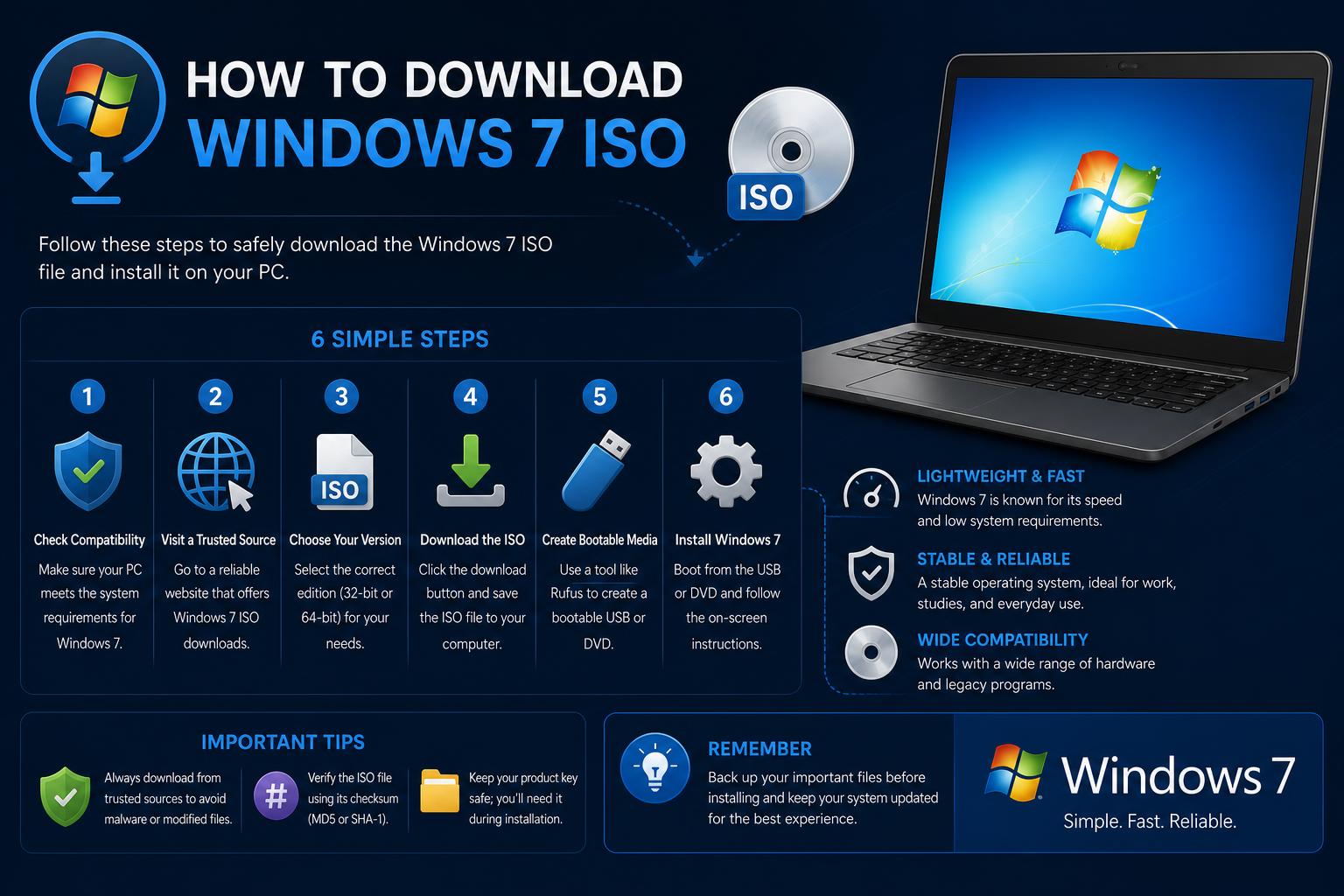
- Windows 7 ISOs are mostly found on archives and community-led sources, not officially from Microsoft.
- File verification (via SHA-1 or CRC) is critical to avoid malware and ensure authenticity.
- Genuine ISOs require a valid product key for lawful activation; avoid "pre-activated" versions.
Looking for a Windows 7 ISO download in 2024 is more complicated than it used to be, but there are still legitimate reasons someone might need the original Windows 7 installation files. Whether you’re reviving an old PC, troubleshooting, or pursuing software nostalgia, understanding your options and where to find trustworthy Windows 7 ISOs matters more than ever. Let’s clarify what is available, what’s safe, and everything you need to know before hitting that download button.
In this comprehensive guide, you’ll discover not just where the internet says to go for a Windows 7 ISO, but also how to approach those sources cautiously, weigh authenticity, verify files, and recognize the risks (and legality) involved. If you’re looking for a raw download link, reasons for choosing Windows 7, or simply want to understand the state of Windows 7 ISOs online, you’ll find honest answers here.
Understanding the Demand for Windows 7 ISOs
Even though Windows 7 reached its end of support back in January 2020, it’s still in demand for several valid reasons. Older hardware often struggles with modern Windows versions, making Windows 7 a lightweight, reliable alternative for legacy systems. Hobbyists, collectors, and IT specialists may also need original installation files for troubleshooting, running virtual machines, or exploring vintage setups. However, Microsoft no longer officially distributes Windows 7 ISOs to the general public—meaning your search must be careful and informed.
What Are the Main Sources Currently Ranking?
According to the latest Google results, a few types of sources dominate the space for “Windows 7 ISO download”:
- Archive and file repository sites like the Internet Archive offer community-uploaded downloads of Windows 7 ISOs. These are generally not sanctioned by Microsoft and may or may not be safe depending on who uploaded the files.
- Official sites like Microsoft’s Download Center (for SDKs and not standard consumer versions) still offer some ‘ISO’ images, though primarily development tools rather than actual Windows installations.
- Download listing platforms and aggregators such as Uptodown, which sometimes host or index installation files, though often without explicit assurance of authenticity.
- Community Q&As, user forums, Reddit, and code gists on GitHub share links or even collate ISO lists, but may be inconsistent in reliability.
- Video platforms like YouTube are present but aren’t direct competitors for info-driven content—they commonly link out to possible downloads in descriptions or comments instead of offering substantial written guidance.
Legality and Safety Concerns with Windows 7 ISO Downloads
This is the single most important section for anyone seeking a Windows 7 ISO. Microsoft discontinued public downloads of Windows 7 ISOs for most users years ago. The only way to legally obtain a Windows 7 ISO is through a valid license and, ideally, via official channels—if you still have a product key and a trusted Microsoft account, some volume license customers and MSDN subscribers may still have access. For the general public, most download links now circulating online are unofficial, may violate licensing agreements, and could pose risks such as malware or altered files.
That said, many people use ISOs from third-party archives, but it’s critical to verify file integrity and reputation of the source. Using hash checks (SHA-1, for instance) and cross-referencing with original Microsoft release details can dramatically reduce risk.
Examining Key Ranking Websites and Their Approaches
Internet Archive and Unofficial Repositories
The Internet Archive (archive.org) is a popular destination for those seeking older OS ISOs, including various Windows 7 variants. Listings typically include community-uploaded files with minimal preview and sparse verification. The platform itself is reputable in terms of hosting archivals, but individual ISOs are not reviewed or endorsed by Microsoft. Visitors are warned to double-check the legitimacy of any files downloaded, preferably comparing SHA-1 or CRC values (if available) to original Microsoft values.
Other repositories and aggregator lists, like some Gists on GitHub, detail available ISOs for multiple Windows generations. These lists typically name the ISO, file size, original source if known, and sometimes mention download limits or restrictions based on hosting provider. While these gists are community-collated and may link to working mirrors, authenticity cannot be established unless hashes are provided and properly checked by the user.
Official Microsoft Download Resources: SDK ISOs
Many searchers land on pages like the Microsoft Windows SDK for Windows 7 and .NET Framework 4 (ISO), which delivers a DVD image of the Software Development Kit—not the operating system itself. These files are purely for developers needing Windows 7 header files, compilers, and related SDK components. Each architecture’s ISO (x86, x64, Itanium) is specified with its CRC and SHA-1 for integrity verification, serving only a niche use case. The home or regular user will not be able to install Windows 7 from these SDK ISOs.
Community Forums, Reddit, Q&A Threads
You’ll notice results from places like Reddit, especially queries like this thread where users ask for working Windows 7 ISOs—typically because Windows 10 runs poorly on their old hardware. Redditors often share personal experiences, hints, or offhand links, but Reddit is NOT an official source and cannot guarantee safety. As stated, competing with Reddit’s forum authority is tough, but thorough guides have an edge in clarity and security discussion.
Other download links, such as those offered by Uptodown or similar platforms, sometimes host Windows 7 Home Premium (64-bit) or provide further references, but their authenticity and licensing status are not guaranteed.
How to Identify Genuine, Untouched Windows 7 ISOs
To stay on the safe side, always check the following before using a Windows 7 ISO:
- File Integrity: Seek out SHA-1 or CRC values published for each ISO. These allow you to verify the file was not tampered with. For example, Microsoft’s SDK page lists hashes for its ISOs, which is good practice.
- Edition and Language: Be clear on which Windows 7 edition you need: Home Premium, Professional, Ultimate, etc. Some links, like those on the Internet Archive, may reference ‘All-in-One’ ISOs encompassing multiple versions and languages.
- Community Feedback and Reviews: Browse comments or reports from other users on repository pages, forums, or Reddit’s Windows sub. If repeated mentions of malware or issues arise, avoid that file.
- Source Reputation: Prefer direct links from trusted repositories like the Internet Archive or long-standing gists on GitHub—but never solely trust them without checklist validation.
Breakdown of ISO Types Available
The landscape of Windows 7 ISOs online is fragmented. Here’s a breakdown of what types you’ll find and their distinguishing features:
- Official Microsoft SDK ISOs: Only for development, not standard installations. Provided with full hash info but irrelevant for most users.
- Community-uploaded untouched ISOs: Sometimes labeled as “untouched” or “original” and claim to be extracted from genuine installation discs. Authenticity depends on matching file hashes published in the past by Microsoft.
- Custom All-in-One ISOs: Packages that combine multiple Windows 7 editions and languages. Handy if you want flexibility, but riskier if any modifications were applied to the installer.
File Verification: CRCs and SHA-1 Checks
Most legitimate ISOs are distributed along with their original SHA-1 and CRC hash values. For example, the official Windows 7 SDK page lists:
- x86 ISO: GRMSDK_EN_DVD.iso (SHA-1: 0xCDE254E83677C34C8FD509D6B733C32002FE3572)
- x64 ISO: GRMSDKX_EN_DVD.iso (SHA-1: 0x9203529F5F70D556A60C37F118A95214E6D10B5A)
- Itanium ISO: GRMSDKIAI_EN_DVD.iso (SHA-1: 0x2093EE439193EF79A1629FD9A826CE8D4DE9A93D)
You should cross-check any ISO you download against these published values, especially if they’re labeled as original or untouched. Many guides recommend using third-party tools like 7-Zip, HashTab, or similar checksum utilities to compare your file with public records.
Can I Still Activate Windows 7?
Activation is a different hurdle. Even with a proper ISO, you will need a valid product key. Microsoft no longer sells new Windows 7 licenses, so unless you have an unused retail key, activation can be very tricky. Volume license customers and some special programs are the exception. Beware of any download offering a “pre-activated” ISO—these are almost always illegal and contain heavy modifications or malware.
The Role of Forums, Gists, and YouTube
User communities, code gists, and video guides serve as useful references but rarely enforce download safety or legality. Some, like the GitHub gist aggregating all ISO options, list both size and where they’re hosted, though you’ll need to research further to confirm which sources are still online and trustworthy. YouTube cannot host installation files but acts as a guide, with video creators posting download links in descriptions—proceed carefully and only use reputable links.
Key Recommendations for 2024
Searching for a genuine Windows 7 ISO file in 2024 requires patience, vigilance, and a clear purpose. Although the Internet Archive and community repositories may host original files, these are not officially sanctioned nor guaranteed to be virus-free. The best protection is to verify files against established hash values, use a legitimate product key for activation, and, if possible, protect your installation with up-to-date antivirus tools and keep it offline during setup. As fresh setups disappear in favor of modern operating systems, historical and support resources shrink—so approach your installation with caution and always back up your data.