
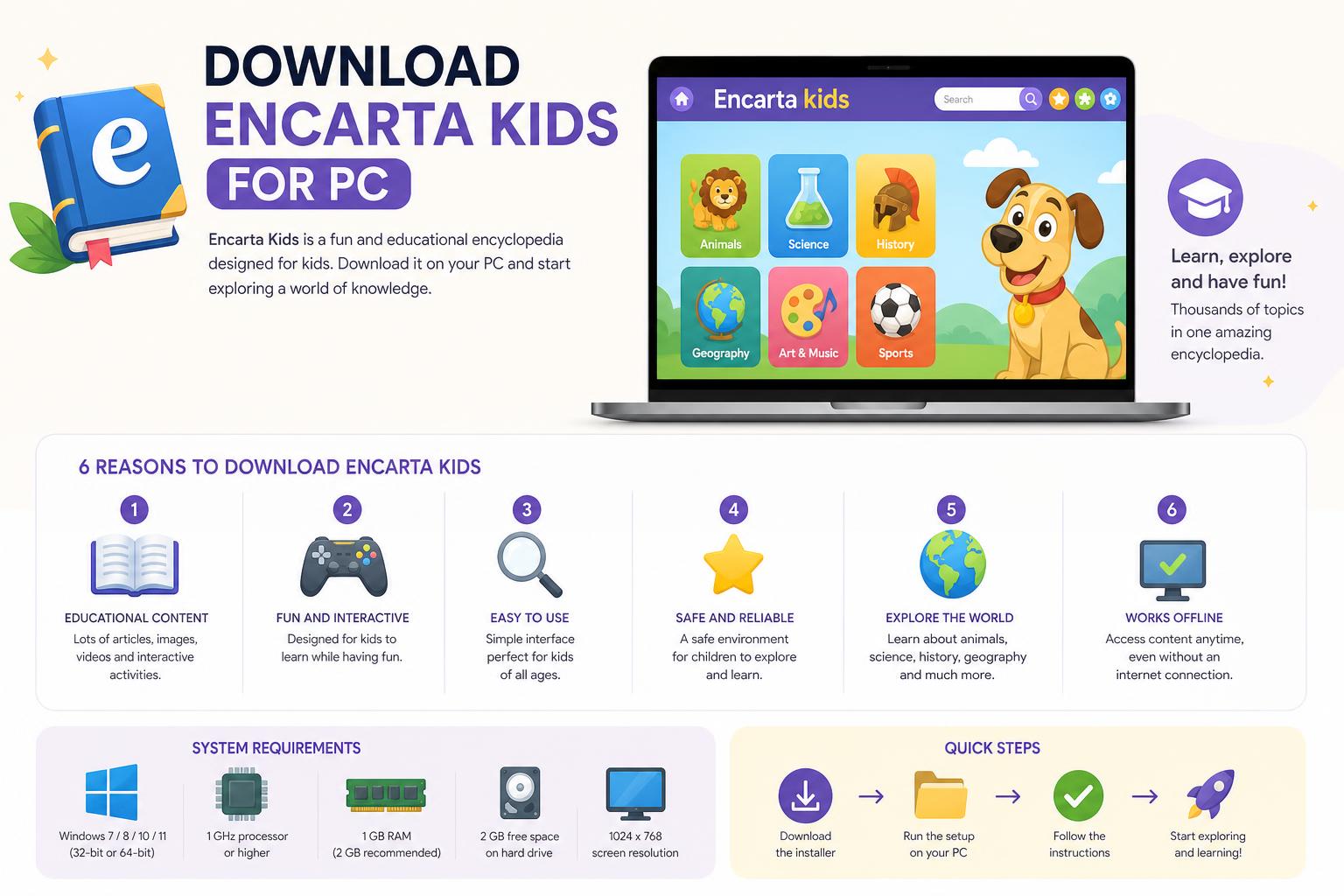
- Official downloads of Encarta Kids are discontinued; only unofficial or archived options are available.
- Modern alternatives like Neo Encarta Kids offer safer and updated experiences for children.
- Installation on Windows 10 and 11 may require compatibility settings and extra dependencies.
Have you been trying to find a way to download Encarta Kids for PC? You’re not alone — parents, teachers, and even tech enthusiasts continue looking for digital encyclopedia solutions tailored to children. Microsoft Encarta Kids was once the gold standard for providing safe, engaging, and kid-friendly educational content on computers. With the discontinuation of Microsoft Encarta in 2009, however, many users are left wondering: are there safe, updated ways to access Encarta Kids or a similar experience on modern PCs? Let’s dig into the history, current options, installation tips, and even modern substitutes for Encarta Kids, so you can make the best choice for your child’s digital education.
In today’s guide, you’ll find everything from a brief history of the Encarta project and its versions for children to practical troubleshooting for installation on Windows 10 and 11, plus a look at alternatives like Neo Encarta Kids and legitimate sources for safe downloads. Whether you’re a nostalgic educator or a parent seeking trusted learning platforms, this article covers every angle to ensure kids can access digital encyclopedias safely and effectively in 2024.
What Was Microsoft Encarta Kids?
Microsoft Encarta began as a pioneering digital encyclopedia in 1993. Over the years, it became synonymous with trustworthy, multimedia-rich learning on computers. Encarta’s “Kids” edition was a specially adapted version with simple language and engaging content. It used animations, games, and stories designed specifically for younger children, making research at home both safe and fun. Encarta’s last official release was in 2009, and both its standard and kids’ editions stopped receiving support after Microsoft retired the product. Despite this, parents and teachers still look for ways to bring Encarta’s unique experience to today’s learning environments.
Features That Made Encarta Kids Unique
- Interactive Multimedia: The kids’ version was filled with pictures, mini-games, puzzles, and videos, offering engaging, age-appropriate content.
- Simple Search and Navigation: The interface broke down big topics into bite-sized articles. Children could browse using intuitive symbols and clear headings, making it easy to look up new information on their own.
- Integrated Tools: Alongside the encyclopedia, Encarta Kids included fun quizzes, a dictionary, basic atlas, and even a narrator for articles – all designed with younger users in mind.
Is It Still Possible to Download Encarta Kids for PC?
Official downloads are no longer supported by Microsoft, and the original Encarta Kids application is considered abandonware. The last update was in 2009, after which the official servers were shut down. This means:
- No official Windows Store or Microsoft website download is available.
- The software is not legally or safely distributed by Microsoft anymore.
- Most downloads are found via third-party sites or archive projects, which carry some risk.
Despite these challenges, dedicated users have preserved versions of Encarta and its Kid’s edition through Internet Archive and various software repositories. These sites sometimes host the 2009 Premium Edition (the final comprehensive Encarta release, which included a kids’ section and content). However, be cautious: these are not officially sanctioned and may not always include the kids module or may require technical adjustments to run on modern PCs.
Experiences and Troubleshooting When Installing Encarta Kids on Modern Windows
Many users report running into technical hiccups when trying to install Encarta Kids on Windows 10 or 11. On platforms like Reddit, users have shared setbacks such as error messages during setup, including assembly installation issues like:
An error occurred during the installation of assembly ‘Microsoft.VC80.CRT,type=”win32″,version=”8.0.50727.42″, publicKeyToken=”1f8b3b9a1183b”. /processorArchitecture=”x86″
This usually means modern Windows versions lack old Visual C++ dependencies bundled with legacy software. Here are actionable tips:
- Install Required Dependencies: Download and install the Microsoft Visual C++ 2005 Redistributable package. This is often required for older software to run, especially on Windows 10 and 11.
- Consider running the installer in compatibility mode (Windows XP or Windows 7). Right-click the installation file, access Properties > Compatibility, and choose an earlier operating system.
- Always run the installer as administrator to prevent permission issues.
- Keep your antivirus active and scan any files you acquire from unofficial sources before proceeding. Even well-meaning repositories can be exploited by malicious actors.
Some users mention that, once dependencies are installed and compatibility is set, Encarta Kids can run offline on recent Windows systems, although you may encounter minor visual glitches or reduced multimedia functionality.
Where Are the Safest Places to Find Encarta Kids?
No official Microsoft-hosted download exists for Encarta Kids today. Your safest bet for authenticity is the Internet Archive’s software section, specifically their post on the 2009 Premium Edition: Internet Archive – Microsoft Encarta Premium Edition 2009. Here, you can download disc images that are usually virus-scanned and checked by the preservation community, although you should still scan files with your local antivirus.
Other third-party aggregators and download platforms (such as updatestar.com or software.informer.com) often list installers, but take extra care as quality and legitimacy may vary. Watch out for excessive ads, forced installer wrappers, or outdated mirrors.
Websites providing in-depth overviews or guides occasionally host links to older versions but always prioritize reputable, well-reviewed sources with active forums or comment sections that highlight any risks or downsides.
Exploring Modern Alternatives: Neo Encarta Kids & More
Given Encarta’s discontinuation, parents searching for a child-friendly digital encyclopedia should consider modern alternatives or spiritual successors. One such project is Neo Encarta Kids, available on Google Play:
- Neo Encarta Kids blends community, creativity, and trusted content. It integrates a kid-friendly encyclopedia, hobby channels (for art, music, coding), a safe Discord-style chat, and a library of stories for young readers.
- Moderated Environment: Kids interact in channels dedicated to specific interests, sharing projects, learning to code, or displaying creativity in a secure, guided environment.
- Comprehensive Tools: From encyclopedic articles to coding lessons and crafts, Neo Encarta Kids aims to nurture curiosity and responsible online interaction for kids.
While Neo Encarta Kids is not an official Microsoft product, it builds on Encarta’s core ideals: safe digital learning, creativity, and connection. Parents can guide children to this platform for a contemporary, interactive, and child-safe encyclopedia experience.
Common Questions: Downloading, Compatibility, and Child Safety
- How do I download Encarta Kids for modern PCs? There is no official download from Microsoft any longer. You can search for the 2009 Encarta Premium Edition via the Internet Archive, but install with caution and follow compatibility steps.
- What are the system requirements? The last official version generally required Windows 7 or higher, at least 1 GB of RAM, and a functioning CD/DVD drive or compatible ISO mounting tool for disc images.
- What content is available? If you obtain Encarta Premium 2009, the encyclopedia should include thousands of articles, multimedia (images, videos, audio), games, world atlas, dictionary, and a suite for kids (often limited by the specific edition).
- Is it safe for kids? Encarta Kids was always designed with safety in mind: offline operation, child-friendly language, and limited or no internet browsing. However, modern alternatives add further safety features, like moderated chat and account controls.
- Does Encarta Kids run offline? Yes. Once installed, all core features work without an active internet connection. This made Encarta a favorite for schools and parents wary of unsupervised online browsing.
How Does Encarta Compare to Modern Kid-Friendly Encyclopedias?
Encarta’s legacy set the bar for offline, multimedia encyclopedias for a generation. Today’s digital learning environment has shifted toward web platforms, but several still commit to educational safety and friendly interfaces for kids:
- Kiddle: a search engine powered by Google, with kid-friendly search results and encyclopedia-like articles.
- National Geographic Kids: interactive, image-heavy, and focused on science, geography, and nature.
- Britannica Kids: offers in-depth, well-edited articles, quizzes, and multimedia in a safe environment.
- Neo Encarta Kids for Android, as discussed, brings together creativity and trusted information in a modern app.
What these modern platforms lack in offline functionality, they make up for with live updates, far wider topics, and responsive user support. Parents committed to screen safety should always supervise their child’s internet use, even on these reputable sites.