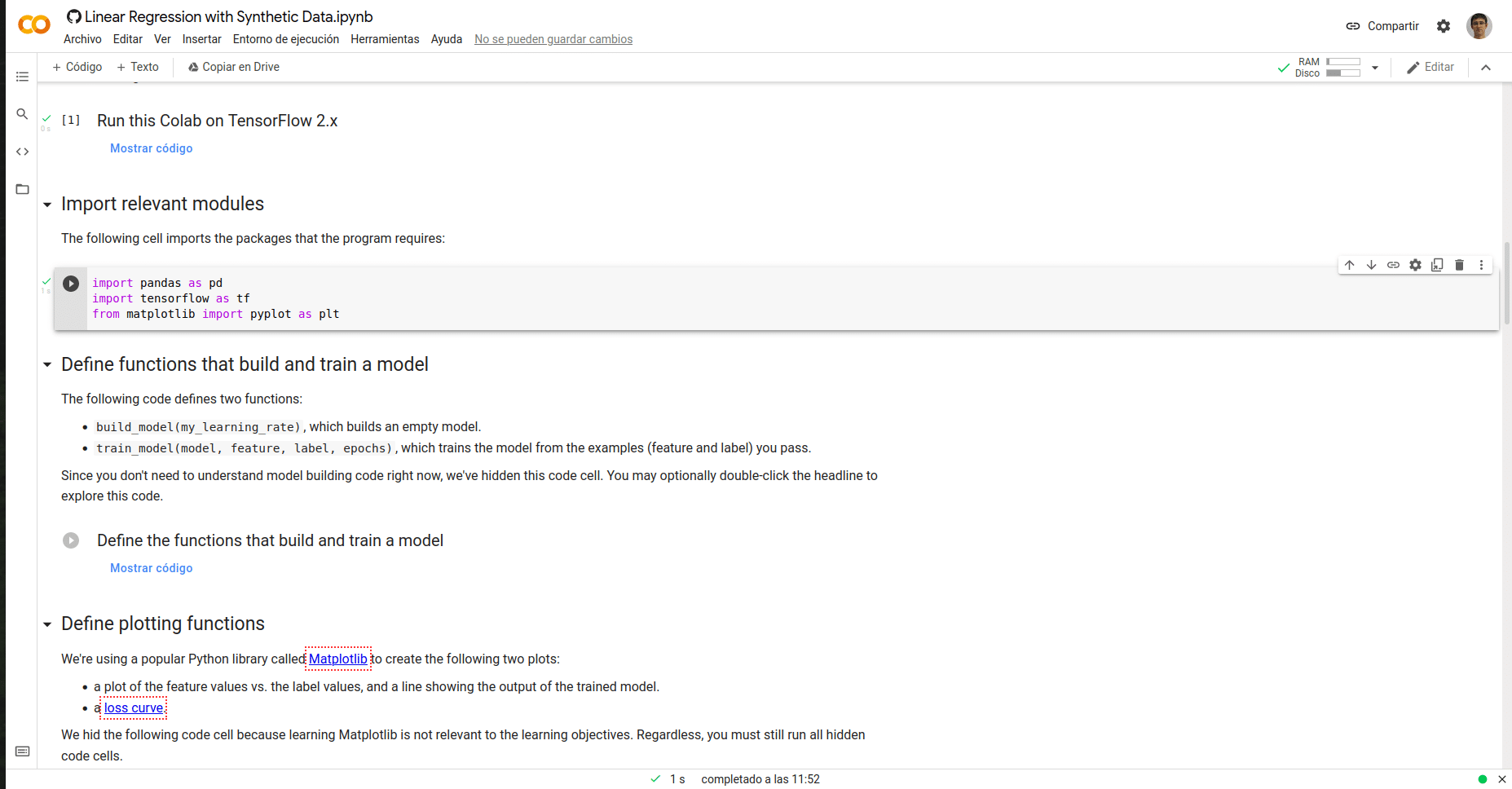
Colaboratory, also called Google Colab is a product of Google Research and is used to write and run Python and other languages from your browser.
What it is
Here is a beginner’s guide that perfectly complements this article.
Colab is a hosted Jupyter, installed and configured, so that we do not have to do anything on our computer but simply work from the browser, on cloud resources.
It works exactly like Jupyter. They are Notebooks or notebooks based on cells that can be texts, images or code, in this Python step, because unlike Jupyter Colab at the moment you can only use the Python kernel, they talk about implementing later others like R, Scala, etc, but no date is said.
TinyML or Tiny Machine Learning refers to the use of Machine Learning in microcontrollers. In systems that unlike those used in traditional ML have few resources, are systems that have little CPU, little RAM and extremely low power consumption in the order of magnitude of milliwatts or microwatts.
Scratch is a programming language created by MIT and based on a block-based visual interface, so that it greatly facilitates the programming of children and people without knowledge. It is recommended for ages 8 to 16 years.
All of this is supported by the Scratch Foundation, a non-profit organization whose mission is:
Our mission is to provide all children, of all backgrounds, opportunities to imagine, create and collaborate, so that they can shape the world of tomorrow.
But to the important ones, what can be done with Scratch.
This is one guide to learn about Stable Diffusion and teach how you can use this tool.
The image above is generated with Stable Diffusion. It has been generated from the following text (prompt)
City skyline with skycrapers, by Stanislav Sidorov, digital art, ultra realistic, ultra detailed, photorealistic, 4k, character concept, soft light, blade runner, futuristic
Stable Diffusion is a text-to-image machine learning model. A deep learning model, of artificial intelligence that allows us to generate images from text that we put as input or input.
It’s not the first model or the first tool of this style, right now there’s a lot of talk about Dall-e 2, MidJourney, Google Image, but it is the most important because of what it represents. Stable Diffusion is an Open Source project, so anyone can use and modify it. In version 1.4 we have a 4G .cpxt file where the entire pre-trained model comes from, and this is a real revolution.
So much so that in just 2 or 3 weeks since its release, we find plugins for PhotoShop, GIMP, Krita, WordPress, Blender, etc. pretty much every tool that comes with images is implementing Stable Diffusion, so much so that even competitors like Midjourney are using it to enhance their tools. But it is not only used to generate tools, but we as users can install it on our PC and run it to obtain the images locally.
Because in addition to being Open Source does not mean that it is less powerful than the previous ones. It is a true wonder. For me right now it is the best tool that we can use if we want to generate our images for any project.
Ways to install and use Stable Diffusion
There are different ways to use it. Right now I recommend 2. If your computer has the necessary power, that is, a graphics card with about 8Gb of RAM, then install it on your computer. If your hardware is not powerful enough use a Google Collab, right now I recommend the Altryne one, because it comes with a graphical interface and is easier to use.
This is the option that I recommend if your computer is not powerful enough (GPU with 8Gb of RAM) or if you want to try it with all its features without having to install anything.
I recommend it because it has a very comfortable graphical interface with many options to control the images and other model tools such as image to image and upscale.
I start to play Scratch and I see with disgust that they exist desktop applications for Windows, MacOS, ChromeOS and Android app but there is no official application for Linux.
There was an application for Linux and they discontinued it. Your message right now is
For now, the Scratch App is not compatible with Linux. We are working with contributors and the open-source community to find a way for Scratch to work on Linux in the future. Stay informed!
It is true that the online version can be used from the browser. But I like desktop applications because they have the advantage that we can continue using them even without an Internet connection and that if we want to focus on the task we can close the browser with the other thousands of tabs, which is always a source of distraction.
LEGO Boost is a robotics starter kit for kids based on LEGO pieces.. It is compatible with traditional LEGO and Techno, so you can use all your pieces in future assemblies.
This Christmas the Three Wise Men gave my 8-year-old daughter a LEGO® Boost. The truth is that I saw him a little early. I did not want to introduce my daughter to complex issues, but she has been asking for it for a long time and the truth is that the experience has been very good.
It is recommended for children from 7 to 12 years old. If your children are used to playing with LEGO, the assembly will not pose any problem. And you will see that between the indications of the app and some explanations from you, they will immediately learn to use block programming.
Lately I write little but yes Patelo pulls out a new engine, this must be reviewed. I see the news in Fogonazos 1 year of work, 2520 hours to build this wonder.
For those who do not know him, Patelo (José Manuel Hermo Barreriro) is a 75-year-old naval mechanic, retired, which has become famous for the engines it manufactures.