
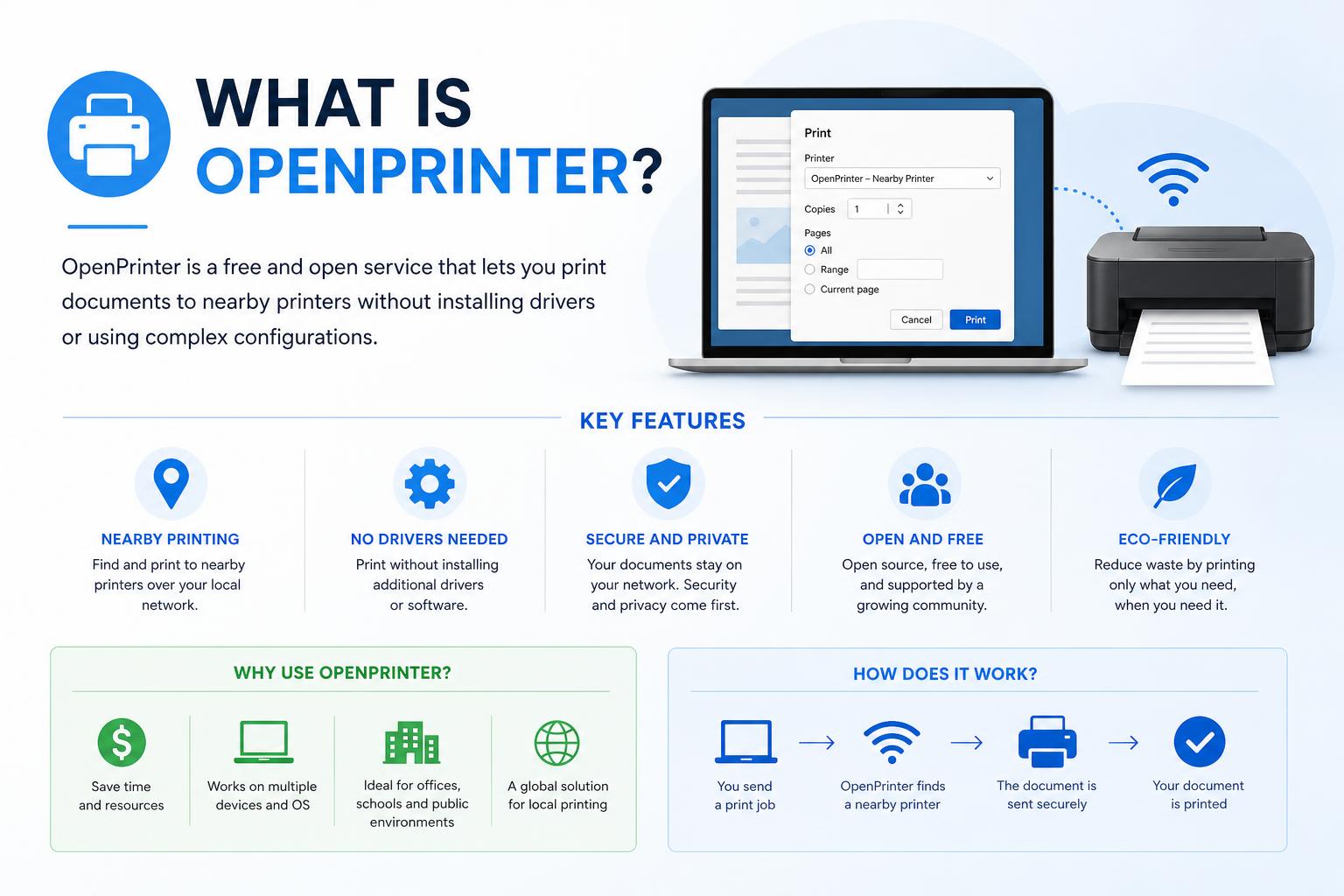
- OpenPrinter is an open-source, repairable inkjet printer built for long-term use, adaptability, and user empowerment
- Designed with off-the-shelf modular parts, OpenPrinter avoids vendor lock-in, cartridge DRM, and is easy to maintain or customize
- It supports refillable ink cartridges, open firmware, a range of paper sizes, and can run on multiple operating systems via CUPS
Have you ever felt frustrated by inkjet printers with expensive cartridges or proprietary software that makes even simple tasks feel more complicated than they should be? Or perhaps you’ve run into the dreaded ‘printer offline’ bug one too many times, only to realize it’s more a business model than a technical issue? In a world where most consumer printers seem built for obsolescence and keeping you locked into brand-specific supplies, the arrival of OpenPrinter marks a fresh breath of air for makers, artists, and anyone tired of throwaway hardware.
OpenPrinter isn’t just another device – it’s an open-source hardware movement aiming to take back control of our everyday tools. Whether you’re a creative looking for reliable, flexible equipment or a tech enthusiast eager for innovation that empowers users, this guide will walk you through everything you should know about OpenPrinter: its philosophy, technical design, features, and how you can get involved.
What Exactly Is OpenPrinter?
OpenPrinter is a fully open-source inkjet printer project, engineered from the ground up for repairability, modification, and longevity. Developed by OpenTools Studio and set to launch through platforms like Crowd Supply, this printer has been designed explicitly to counter the disposable, restrictive nature of mainstream printers.
Its core philosophy is user freedom: no locked-down drivers, no DRM-locked ink cartridges, and no forced obsolescence. Instead, you gain a reliable tool that grows and adapts with your needs. Whether it’s standard A4 prints for your next script or a continuous paper roll for banners and design prototypes, OpenPrinter gives you options.
The Motivation: Why OpenPrinter Exists
Anybody who’s owned a traditional inkjet knows the pain of high running costs, failed firmware updates, or cartridge chips that seemingly exist just to thwart refilling. The OpenPrinter project is a direct response to these ‘predatory’ business designs. As quoted in several sources, the idea is simple: create a robust, compact, and long-lived printer that is as open as possible, both in hardware and software, and let the community improve it over time.
This isn’t just talk—every component, from the firmware to the shell, has been released under the Creative Commons BY-NC-SA 4.0 license, meaning anyone can use, share, and adapt the hardware or software (as long as it’s not for commercial reselling and share-alike rules are respected). It’s open hardware and open source through and through.
Key Features and What Makes OpenPrinter Different
Let’s get into the technical side—because there’s plenty to talk about. OpenPrinter combines modern capabilities with honesty and longevity in a way that’s rare for printers today.
1. Open Source and Repairability First
All design files (electronics, mechanics, firmware) are openly available so you or the wider maker community can improve or repair the printer as needed. No waiting for spare parts to ship, no vendor-only fixes. If a non-standard part fails, you can 3D print a replacement. .
2. Hardware Specifications and Modularity
- Mechanical Design: Uses standard hardware (no weird proprietary plastic bits) so almost every component is easy to replace, upgrade, or simply tweak for custom needs.
- Main Processing: Powered by a Raspberry Pi Zero W paired with an STM32 microcontroller on the cartridge interface board. This provides enough horsepower for reliable networking and print control, while keeping everything tinker-friendly.
- User Interface: Features a 1.47-inch, 172 x 320 TFT LCD display and a jogger wheel for straightforward menu navigation—no fuss, no touch screens that get in the way.
Dimensions are compact: approximately 50 x 10 x 11 cm (about 19.7 x 3.9 x 4.3 inches). That makes it suitable for everything from wall-mount installations to tight desktop environments.
3. Print Capabilities
- Print Resolution: Black & White up to 600 dpi, Color up to 1200 dpi
- Supported Cartridges: Compatible with standard HP inkjet cartridges (HP 63 series for America, HP 302 for Europe, and others for Asia). Use only one or both cartridges as needed; both can be refilled—no DRM nightmares here.
- Paper Flexibility: Handles North American Letter, Tabloid, and letter-width paper rolls, as well as European A4, A3, and A3-width rolls. This is great for everything from everyday forms to long banners and art projects thanks to its integrated cutter system.
Print speed is still being fine-tuned by the development team, but the focus is strongly on reliability over raw throughput. You can expect a decent performance for a range of personal and semi-professional uses.
4. Connectivity and Software Compatibility
- Wired and Wireless: USB Type-C for connecting to your computer, USB Type-A for plugging in a mass storage device (hello, printing from USB sticks!), Wi-Fi 802.11ac, and Bluetooth 4.1 support.
- Operating System Compatibility: Fully works with Windows, macOS, Linux, and even mobile devices (Android or iPhone), thanks to reliance on the open-source CUPS print server. No need for special drivers.
This cross-platform support makes OpenPrinter accessible to hobbyists, home offices, or classroom environments with mixed device fleets.
User Empowerment: No DRM, No Vendor Lock-in
What truly separates OpenPrinter from the competition is its stance against restrictive business practices. Ever noticed how some printers stop working if you don’t buy official ink, or bombard you with popups about ‘genuine supplies’? OpenPrinter is proudly DRM-free; it won’t lock you to a brand or randomly declare your cartridge ‘expired.’
Refill cartridges at your leisure, repair components as you like, and never worry about forced upgrades or software tricks. The philosophy is not just technical—it’s about letting the user stay in charge.
Design Philosophy and Licensing
The creators of OpenPrinter have secured the architecture and design with patents and model registrations, not to restrict users, but to protect the open spirit of the project and ensure proper attribution for community derivatives. Everything is published under a Creative Commons BY-NC-SA 4.0 license: this means you can use, adapt, and share as much as you wish—as long as it’s not used for direct commercial sales and credit is given.
This unique approach isn’t about limiting—rather, it promotes responsible, ethical sharing and further innovation, all while keeping clones in check.
Paper Handling and Creative Potential
Versatility is core to OpenPrinter’s design. Print on anything from standard sheets to continuous rolls, unleash your creativity on banners or custom strips, and easily switch formats.
- For offices, this means efficient document production.
- Artists and designers can produce large graphics or display pieces without resorting to industrial print shops.
- Educators, engineers, or event organizers gain access to a device that handles specialty print tasks (think custom posters or instructions) with ease.
Maintenance and Upgradability
Unlike most consumer printers, OpenPrinter is made for the long haul. Since it’s built using modular, off-the-shelf parts where possible, you’ll be able to repair or upgrade components as needed—with future-proofing in mind.
If you like tinkering or see yourself eventually wanting tweaks—say, a new display or advanced cutter—OpenPrinter is the rare printer that encourages modification rather than voiding warranties for opening a screw.
Comparing to Standard Printer Models
Let’s face it: most home and SOHO printers today are ‘cheap upfront, expensive to own’; they start affordable but quickly drain your wallet on proprietary ink and constant replacements. OpenPrinter flips that script, promising:
- True user control over both hardware and consumables
- More reasonable operating costs (with refilling and open parts)
- Easy customization, perfect for unique cases where off-the-shelf models fall short
- Transparency in operation—what you see is what you get
Proprietary competitors often lock you out of core features, block aftermarket cartridges, and make self-repairs tricky, if not outright impossible.
Who Should Consider OpenPrinter?
If you value long-term ownership, hackability, and lower environmental impact, OpenPrinter was practically made for you. But it also appeals to:
- Makers and hackers who want a printer they can adapt and extend
- Artists, designers, and educators in need of print flexibility
- Anyone in small offices or studios looking to break free from vendor-imposed limits
If you want a reliable, predictable printer that aligns with open-source values, it’s difficult to find a better alternative on the market today.
The Community and How to Get Involved
OpenPrinter isn’t a closed project by any means; collaboration is at its core. The team at encourages contributions—repairs, improvements, educational outreach—and connects users through documentation, forums, and code repositories.
You can follow progress, access schematics and source code, and even get news about crowdfunding or pre-orders through their official channels. Check out their Crowd Supply campaign page here for the latest news and involvement opportunities.
Licensing Nuances and Legal Points
To ensure a balanced, ethical ecosystem, the project utilizes Creative Commons BY-NC-SA 4.0 licensing. Let’s break down what this means in simple terms:
- BY: Give credit to the original authors if you share or adapt the work
- NC: Non-commercial use only (not for selling open designs as your own product)
- SA: Share alike, so any improvements or modifications must be open as well
This framework has protected OpenPrinter’s openness while still recognizing the development team’s significant technical efforts.
Technical Summary
Let’s wrap up with a fast technical snapshot of the current design:
- Print Resolution: B/W 600 dpi, Color 1200 dpi
- Compatible Cartridges: HP 63/63 XL (US), HP 302/302 XL (EU), HP 803/803 XL (Asia); all refillable
- Papers Sizes Supported: Letter, Tabloid, A4, A3, plus continuous rolls up to 297mm wide
- Main Board: Raspberry Pi Zero W
- Cartridge Controller: STM32 MCU
- User Interface: 1.47-inch TFT LCD, jogger wheel
- Connectivity: USB Type-C/A, Wi-Fi 802.11ac, Bluetooth 4.1
- OS Compatibility: Windows, macOS, Linux, Android, iOS (all via CUPS)
- Power: 24V DC supply, 2.1mm jack
- Size: 50 x 10 x 11 cm
- Open License: Creative Commons BY-NC-SA 4.0
Addressing Potential Confusion: Not to Be Mixed with Microsoft’s OpenPrinter API
It’s worth clarifying: OpenPrinter as discussed here is not the same as Microsoft’s OpenPrinter Win32 API. While the latter (detailed on Microsoft Docs) is a function for accessing printer handles in Windows programming, the open-source OpenPrinter is a hardware project with an entirely different goal and scope.
The Microsoft OpenPrinter function is aimed at software developers, offering a programmatic way to open a connection to a printer or print server under Windows, supporting permissions and print job management. This is not related to the OpenPrinter hardware project.
OpenPrinter signals a major turning point for everyday, open-source-friendly hardware, especially in a category long dominated by restrictive, user-unfriendly practices. Driven by community engagement, standardized parts, and a real respect for user rights, it’s set out to prove that printers don’t have to be headaches—they can be empowering tools for creativity, productivity, and learning. Whether you’re fed up with DRM or just want a reliable device, keeping an eye on OpenPrinter might just be the smartest move you’ll make for your workspace this year.
Understanding Directional Couplers: Theory, Types, and Applications