
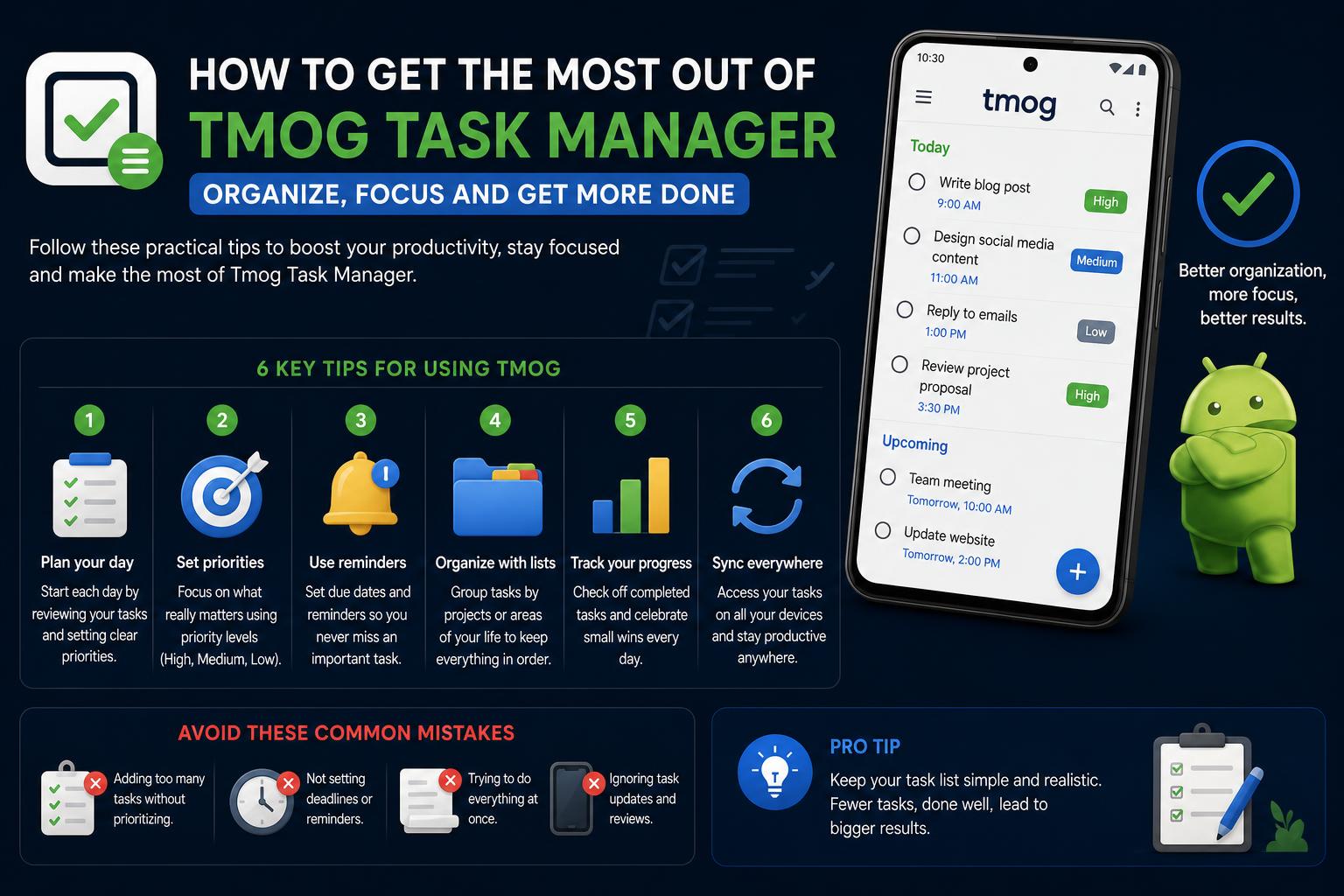
- TMOG offers real-time system diagnostics, running natively on Windows, macOS, and Linux.
- User privacy is central: TMOG does not collect usage stats or identify users.
- Development is led by the original Windows Task Manager creator, ensuring credibility and innovation.
- Customization, self-monitoring, and native performance set TMOG apart from competitors.
Have you ever wondered why your computer’s running slower than usual, or perhaps you’re looking for a better way to measure and manage performance across Windows, macOS, and Linux? Thousands of enthusiasts and IT professionals have faced the same issues, prompting the recent buzz around TMOG, the next-generation cross-platform task manager developed by legendary Windows engineer Dave Plummer. He’s revamped the classic Task Manager into an efficient, flexible new tool that stands out from both system defaults and other third-party options. If you’ve stumbled upon discussion threads, reviews, and tech community excitement (especially on platforms such as Reddit or Tom’s Hardware), you probably want to know whether TMOG lives up to expectations and how it compares with what is already available.
This complete guide covers everything you need to know about TMOG—its origins, standout features, development philosophy, platform compatibility, approach to privacy, and more. Whether you are a power user, a sysadmin, or simply curious about keeping your machine running at its best, keep reading to discover whether TMOG could be the change you didn’t know you needed. Task management software is evolving rapidly, but TMOG is not just another option in an overcrowded market. With a legacy that goes back to the original 80KB Task Manager in Windows NT 4.0, TMOG is designed to diagnose why your system may be slowing down, with a focus on transparency, speed, and user privacy. It combines highly technical monitoring capabilities with a simple and intuitive user interface—and it is available for all major desktop operating systems. Let’s take a look at what makes TMOG worthy of your attention and how it compares with other tools, based on discussions, reviews, and community feedback.
What Is TMOG? A New Era for Task Management
TMOG, which stands for Task Manager OG (Original), is an open-source, cross-platform task manager created by Dave W. Plummer, also known as the developer of the original Windows Task Manager. Inspired by his famous creation but adapted to the current needs of power users and system administrators, TMOG does more than simply list processes: it provides in-depth performance analysis, granular controls, privacy protection, and ultra-fast native code. The TMOG project is available on its official website at tmog.org. This tool has been developed from scratch without relying on frameworks such as Electron or web wrappers, giving it lighter, faster, and more responsive performance compared with many modern utilities.
TMOG’s Unique Architecture and Native Performance
Unlike many system utilities that compromise performance for cross-platform compatibility, TMOG uses native code for each supported operating system. On Windows, it is developed using C++ and Win32 APIs; on macOS, it runs with Swift and AppKit; and on Linux, it uses C++ with Qt 6, all powered by a shared C++20 measurement core. This approach ensures that TMOG runs quickly, interacts directly with system resources, and avoids unnecessary overhead.
- No Electron, no web view, no embedded browser: TMOG avoids heavy frameworks to provide real-time monitoring at blazing speeds. Animations run at a constant 60 Hz, compared with the typical one-second refresh intervals found in other tools.
- Consistent interface and features across all platforms: Users can enjoy an intuitive and comprehensive experience regardless of the operating system.
- Direct hardware interaction: The measurement engine interacts with OS-specific APIs and collects native metrics, ensuring accurate and useful diagnostics.
Integrated Diagnostic and Monitoring Tools
TMOG is not just a task manager with a process list and basic CPU/memory graphs. It is a collection of diagnostic tools designed to help users systematically identify and resolve system slowdowns and inefficiencies. This includes:
- Resource bottleneck sorting: Quickly sort processes by CPU, memory, disk, or network usage to identify which process is causing problems.
- Detailed process metadata: Combines each PID with additional creation information, helping prevent incorrect actions when a PID is reused, a critical consideration for advanced administrators.
- Self-monitoring capabilities: TMOG can include its own process in system scans, allowing users to verify its resource impact.
- Spike playback and analysis: On Apple Silicon, the Flight Recorder captures detailed CPU, GPU, Neural Engine, memory, and temperature metrics, allowing users to review “slow” periods and diagnose demand spikes.
Beyond basic analysis, TMOG offers a dozen focused panels accessible with a single click:
- Summary and Overview
- Performance and Logical Core Monitoring
- Process and System Information
- Startup Applications
- User and Session Management
- Running and Stoppable Services
- Power States and Frequencies
- Network Connections
- Installed Applications and Disk Space
- Benchmarks and Temperatures
Each panel is rendered natively, providing a smooth, real-time feel that is not usually found in cross-platform utilities.
Focus on Privacy
One of TMOG’s major strengths is its commitment to user privacy. The software avoids collecting telemetry, usage statistics, or sending hardware or process details to its creators. It only performs periodic update checks, and all control over the data remains on your machine. This contrasts with many system utilities that send metrics or hardware inventories without the user’s knowledge.
Platform Compatibility and Cross-Device Connectivity
TMOG runs on Windows, macOS, and Linux, and offers cross-device connectivity features. Apple users can monitor their Mac from a paired iPhone using TMOG Pro. This feature allows devices to connect locally (without transferring sensitive data to external servers) for remote diagnostics or effective mobile management, even when you are away from your desktop. The current beta version (according to the latest updates) is 0.1.1, which already includes a solid set of features and continues to improve based on feedback from the community and developers. Upcoming updates promise greater integration, cross-platform optimizations, and more customization options.
Customization and Visualization Options
TMOG allows users to customize its appearance and data presentation according to their preferences. It includes several retro themes, such as Green, Amber, Blue, Monochrome, and Classic Dark, which can be adjusted to improve readability or style. Unlike simulated dashboards or browser-based interfaces, TMOG’s gauges reflect real-time measured data rendered directly by the app. You can also open screenshots for detailed inspection or presentation. For users with different visual needs or aesthetic preferences, this customization not only improves appearance but also enhances productivity and reduces fatigue during complex diagnostics.
Development History: From a Microsoft Legend to Open Beta
The story behind TMOG is almost as interesting as its features. Dave W. Plummer, known for his work at Microsoft and as the creator of the first Windows Task Manager, found himself with extra time in unconventional environments such as hospital waiting rooms. Rather than resting on his achievements, he began TMOG by providing Claude, an AI coding assistant, with a 107-page specification document. The first versions were developed on an M5 laptop in less than five hours and worked on the first try. This agile and experimental process has fostered an active community; users provide suggestions and feedback, with the developer himself participating in social networks and forums to refine the beta. Threads on Reddit Tech Tips and other subreddits demonstrate widespread interest and enthusiasm for TMOG, highlighting its modern features and the credibility of its creator. Coverage in specialized media, such as the Tom’s Hardware article, reinforces its innovative nature and cross-platform support.
Key Advantages Over Built-In Tools and Competitors
- Superior performance: TMOG’s native-code foundation and high refresh rates outperform most default or third-party task managers.
- Total transparency: All displayed data reflects real-time, direct measurements; there is no smoothing or interpolation, only actual values.
- Security and privacy: It never collects personal data or sends it without consent, and it includes no telemetry.
- Accurate and useful information: Resource sorting, process identity verification, and detailed analysis make TMOG a practical tool for troubleshooting problems and monitoring system health.
Limitations and Current Status
Like any software under development, the TMOG beta may experience occasional bugs, missing features, or areas that still need refinement—especially with new platforms and updates. Although the community has responded positively, some users mention minor issues or areas with room for improvement. The developer remains actively involved in addressing these aspects, making TMOG a rapidly evolving project. Official documentation and primary support are also available on its website and in active forums. As the project grows, formal documentation and installation guides are expected to improve as well, making it easier to use for all types of users.
Community Opinions and Reviews
Online discussion reflects several key ideas:
- Experienced users highly value TMOG’s simple, performance-focused philosophy.
- Its focus on privacy and transparency has been widely embraced by users who prefer to maintain control over their data.
- Beta testers highlight the animated interface and smooth navigation as improvements over standard options or slow Electron-based applications.
- There is active discussion around integration, stability, and future features, with frequent participation from the developer.
Forums and Reddit are full of requests for detailed reviews, usage tips, and comprehensive analyses—demonstrating the need for complete and well-founded guides such as this one.
Tips for Getting Started with TMOG
If you want to try TMOG, visit its website and select the installer for your operating system. As a recommendation during this beta phase:
- First test it on a non-critical system to explore all of its features.
- Enable self-monitoring to verify how much impact it has on system resources.
- Try pairing your Mac with an iPhone to experiment with remote diagnostics.
- Experiment with the visualization themes to customize the appearance to your style.
As TMOG evolves, check its website and related forums frequently for new versions, fixes, and detailed guides. TMOG is emerging not only as a replacement for the default task manager, but as a powerful, privacy-friendly tool designed for today’s cross-platform environment.
Hermes Agent: The Self-Improving, Persistent AI Agent Explained in Depth